I’m Leo, a content engineer. A client asked me to swap the presenter face in a product demo — same script, different talent, localized for three markets. Straightforward brief. Except the original talent hadn’t signed a likeness release that covered AI-generated derivatives.
That stopped the project for two weeks while legally sorted it out.
I’m not writing this post to be the compliance guy. I’m writing it because ai face swap video is genuinely useful for creators — brand content, localization, avatar workflows, virtual talent — and most of the “how to do it” content online skips the part that actually determines whether you can publish what you made. So let’s do both: the workflow and the rules, in the same place.
This post covers authorized use only — your own likeness, consented talent, licensed assets, or synthetic/virtual characters. If that’s not the use case you’re here for, this isn’t the post for you.
What Safe AI Face Swap Video Means
“Safe” has two meanings here and both matter.
The first is technical: a video face swap that tracks well, holds consistency across frames, and doesn’t produce the uncanny valley artifacts that make viewers immediately distrust the content. That’s a solvable problem with the right tool and source material.
The second is legal and ethical: a swap that was made with the knowledge and consent of everyone whose face appears in it, using assets you have the right to use, for purposes covered by whatever agreement is in place.
Most tutorials cover the first. Almost none cover the second in any useful detail. And the second one is the one that ends careers and generates lawsuits.
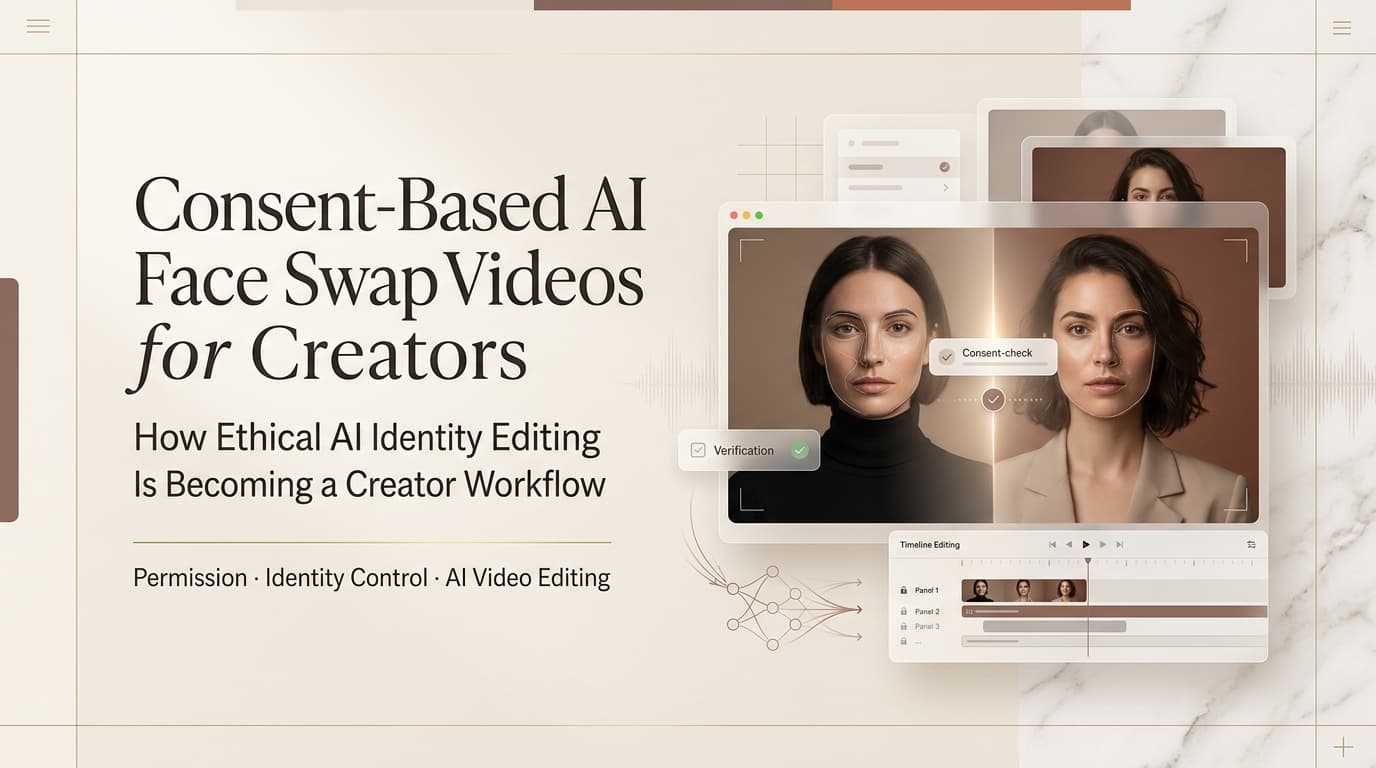
A safe ai face swap video workflow requires both. Technical quality without consent is still a liability. Consent without decent output is unpublishable. You need both sides to actually ship something.
Consent Rules
This is the part people skip and then regret.
Your own face: Full permission, no paperwork needed. If you’re building a virtual avatar of yourself, testing a workflow on your own footage, or creating content where you’re the talent — go ahead. This is the cleanest use case and the one with zero legal exposure from a likeness standpoint.
Consented talent: You need something in writing that specifically covers AI-generated content and likeness use. A standard model release from 2019 almost certainly doesn’t include this language. Check before you generate, not after. The release should specify: what the likeness will be used for, whether derivatives (including AI-generated versions) are permitted, the distribution scope, and whether the talent retains any approval rights over the final output.
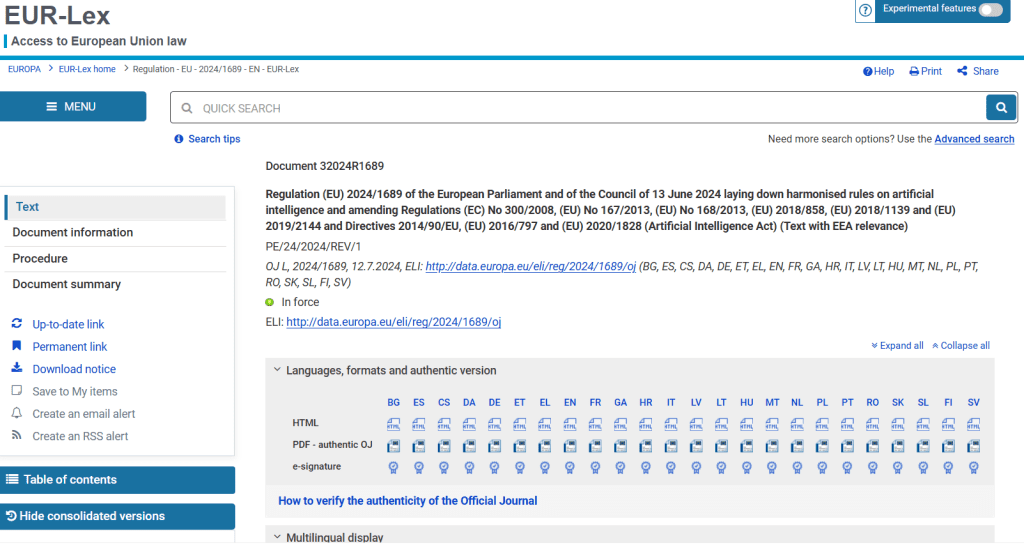
The EU AI Act, which came into force in stages through 2024–2025, includes specific provisions around synthetic media and biometric data — the official EU AI Act text is worth at least skimming if you’re distributing in European markets. It’s not light reading, but the biometric data sections are directly relevant to face swap workflows.
Licensed/stock assets: Some stock platforms now offer talent with explicit AI derivative licenses. Read the terms for each asset individually — “royalty free” does not mean “usable for AI face generation.” These are different rights and the platforms are increasingly explicit about the distinction.
Virtual/synthetic characters: Fully generated faces with no real person behind them have no consent issue by definition. This is why a lot of creators are moving toward synthetic avatar workflows for anything where talent consent is complicated — you build the face once, own it, and don’t need to re-negotiate every time the brief changes.
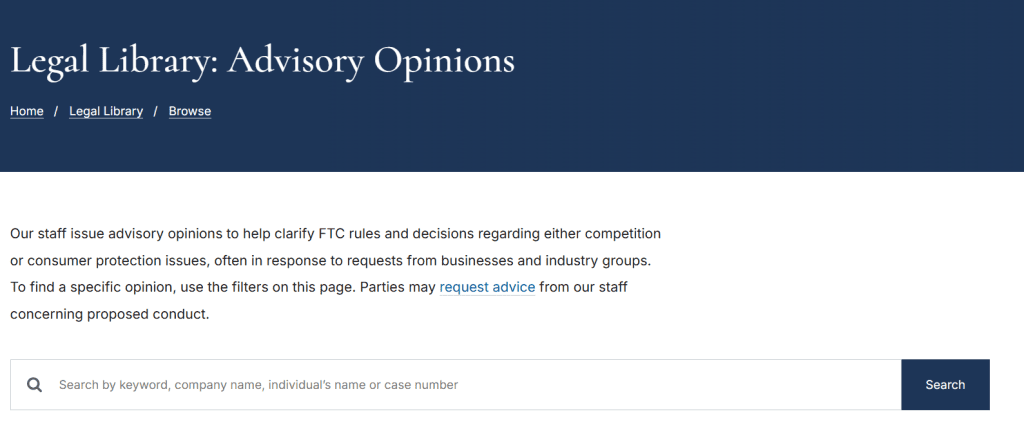
One thing the FTC has been increasingly clear about: AI-generated content that depicts a real person — even with consent — may require disclosure depending on context and jurisdiction. The FTC’s guidance on endorsements and testimonials is the reference point for US-based creators, particularly for anything that looks like a real person recommending a product.
Creator Use Cases
Where a video faceswap actually makes sense in a professional workflow:
Localization and dubbing: Swap the presenter’s mouth region or full face to match dubbed audio in a second language. Reduces the uncanny valley of lip-sync mismatch. Works best when source and target face have similar geometry.
Avatar and virtual talent: Build a consistent synthetic presenter for a brand channel. No scheduling, no re-shoots, no likeness negotiations for every new video. Several B2B content teams I know have moved to this for their “always-on” explainer content.
Personal brand content at scale: Creators who’ve licensed their own likeness for an AI avatar can batch-produce content without being on camera every time. The workflow is: record reference footage once, train or configure the avatar, generate variations. Practical for YouTube educators and course creators with high output requirements.
Creative and narrative projects: Short film, music video, experimental content where a character needs to wear multiple faces as a storytelling device. Consent is easier here because the “talent” is often the creator themselves or collaborators who understand what they’re signing.
Testing and pre-visualization: Swap placeholder faces in a rough cut to show a client how talent will look before committing to final production. Speeds up approval cycles. Just make sure the placeholder talent is also consented — even test assets have exposure.
Workflow
Here’s how I run a face swap video editor workflow from source to export:
Step 1: Source material quality check. The face swap is only as good as your source frames. You need: consistent lighting across both source and target, similar head angle at key frames, and enough resolution that the model has detail to work with. Shooting your own reference footage specifically for a swap is always better than pulling from existing video — 30 seconds of clean frontal reference in controlled light beats 10 minutes of run-and-gun footage.
Step 2: Tool selection by use case.
| Use case | Tool type | Notes |
| Avatar/virtual talent | HeyGen, D-ID | Built for this; consent workflow baked in |
| Localization/dubbing | HeyGen Translate | Handles lip sync + face together |
| Creative/narrative projects | Reface (mobile), local models | More flexibility, more manual QC needed |
| Pre-viz / rough cut testing | Any of the above | Lower quality threshold acceptable |
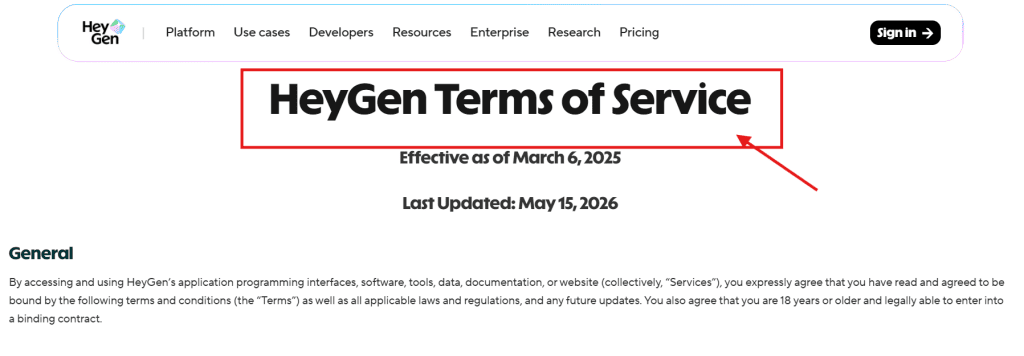
HeyGen’s terms of service explicitly covers what likeness uses are and aren’t permitted on their platform — worth reading because it also tells you what consent documentation they expect for non-self content.
Step 3: Run a short test clip before committing. Never run the full video first. Take a 5–10 second segment from the hardest part of the footage — profile angles, fast movement, strong expressions — and generate that first. If it holds up there, the rest will probably be fine. If it breaks there, you’ll find out before you’ve burned credits on 10 minutes of unusable output.
Step 4: QC frame by frame on transitions. AI face swappers fail most visibly on: head turns past about 45 degrees, cuts between scenes with different lighting, and moments of strong facial expression. Scrub through manually at these points. Don’t trust a real-time playback review — artifacts that are invisible at speed are obvious when the video stops.
Step 5: Export and disclosure tagging. Export at the highest quality your distribution platform supports. And — this is the step most people skip — add whatever disclosure metadata or on-screen labeling is required for your use case and jurisdiction. For anything that depicts a real person or could be mistaken for unaltered footage, this isn’t optional in an increasing number of markets.
Risks
The things that actually catch creators out:
Outdated releases. You have a signed release. Great. When was it signed, and does it cover AI-generated derivatives? Most pre-2022 releases don’t. This is the most common problem I hear about from other creators — the paperwork exists, but it doesn’t cover this.
Platform-level policy violations. Even if your content is legally clean, the platform you’re publishing to has its own rules. YouTube, Instagram, and TikTok all have synthetic media policies that require disclosure for realistic AI-generated or manipulated content. Violating these can get content removed or accounts flagged regardless of whether you have consent documentation.
Consistency failures at scale. A video face swapper that works on a 30-second clip may degrade visibly on a 5-minute video, especially if the source footage has variable lighting or motion. Quality that looked good in testing can fall apart in production length. Always QC the full output, not just samples.
Downstream distribution you didn’t anticipate. A client takes your deliverable and repurposes it somewhere the original consent didn’t cover. Your contract should specify this — but often doesn’t. The talent’s complaint, if there is one, will trace back to you as the creator of the asset.
Open-source model risk. Local and open-source faceswap video workflows give you more control but also more responsibility. There’s no platform policy to catch edge cases — you’re the only guardrail. If you’re running local models, you need your own checklist, not just trust that the tool will flag problems. MIT Technology Review’s coverage of synthetic media regulation tracks how fast this space is moving legally — what’s a gray area today has a reasonable chance of being regulated explicitly within 12 months.
FAQ
How do I make an AI face swap video safely?
Use your own likeness, consented talent with a current AI-specific release, or fully synthetic characters. Get consent documentation before generating, not after. QC the output at transition points and motion-heavy segments. Add disclosure labeling before publishing. In that order.
Do I need consent to use someone’s face in an AI video?
Yes, for any real person other than yourself. A general model release is not sufficient — you need explicit permission for AI-generated derivatives, covering the specific use and distribution scope. For virtual/synthetic faces with no real person behind them, consent is not required. For licensed stock talent, read the AI derivative terms for each asset individually.
What tools support face swap video with authorized assets?
HeyGen and D-ID are the most commonly used hosted tools with consent workflows built into their platform design. Both have terms that explicitly address likeness use. For mobile-first workflows, Reface handles single-clip swaps reasonably well. For local/open-source workflows with maximum control, options exist but require you to supply your own compliance guardrails — the tool won’t do it for you.
What are the risks of AI face swap videos for creators?
The main ones: outdated talent releases that don’t cover AI derivatives, platform policy violations requiring synthetic media disclosure, quality degradation on longer or variable-footage clips, and downstream distribution that exceeds the original consent scope. Legal exposure is real and increasing — the EU AI Act and emerging US state-level legislation are both moving in the direction of stricter synthetic media rules. Build consent documentation and disclosure practices into your workflow now, before they’re legally mandated everywhere.
The talent release issue is the one I’d fix first if you’re doing any of this for clients. Get a lawyer to update your standard release to include AI derivative language — it’s a one-time fix that covers you going forward. Everything else in this workflow you can learn as you go. That one you really can’t retrofit after the fact.
If you’re building a synthetic avatar workflow and want to talk through the production side — reference footage, training, consistency across a content series — that’s a separate post. Drop a comment if that’s useful and I’ll write it up.
Previous Posts: