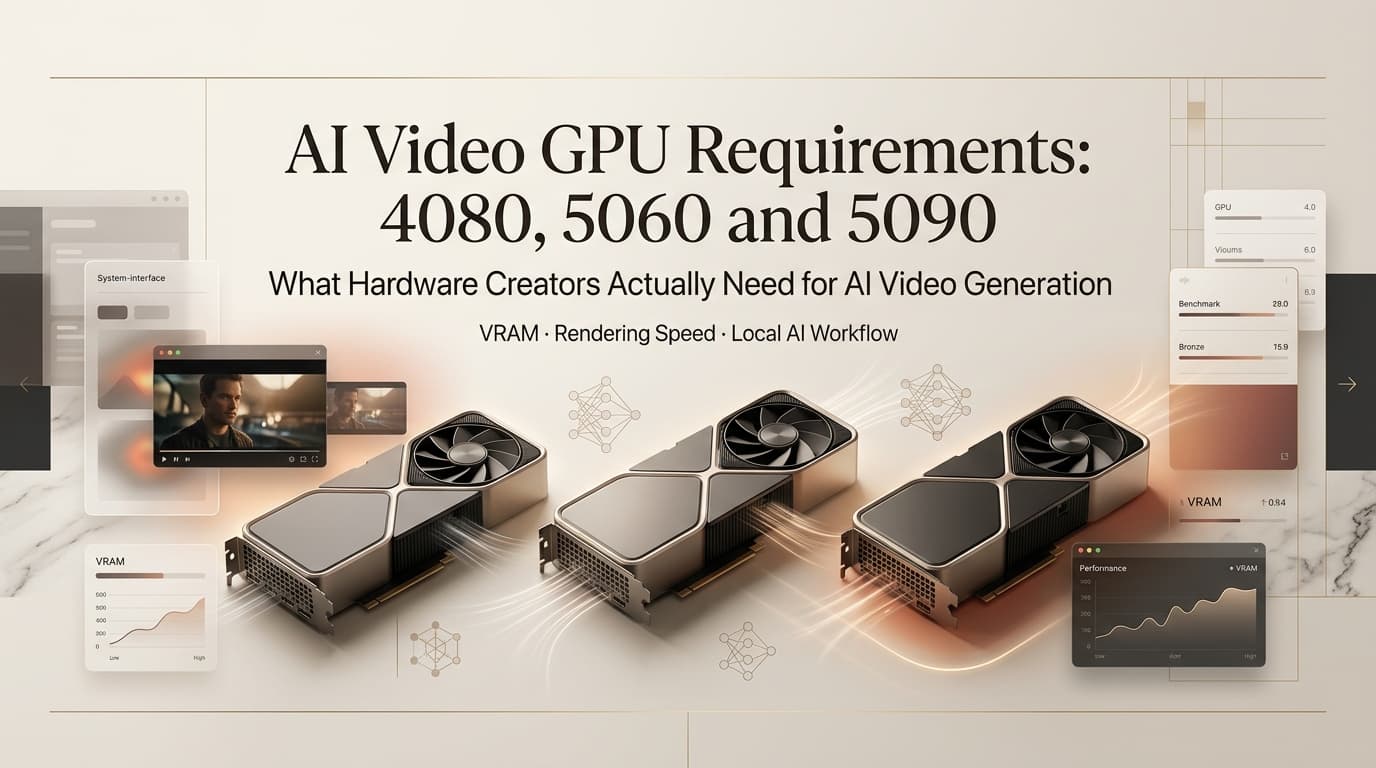
Hi, Dora here. Someone in the local video generation Discord asked what felt like a simple question: “Is my 4080 Super enough to run the new models?” Twenty replies later, nobody had given a straight answer — just a pile of “it depends” with no specifics. I’d actually tested this. I went back and wrote it out.
AI video generation with 4080 Super is a question I get asked often enough that it deserves a clear, workflow-specific answer — not a benchmark graph, but a practical breakdown of what runs, what struggles, and what the real cost difference is between the cards that most local video creators are actually choosing between right now.
Not sponsored. All numbers from my own test sessions or verified model documentation.
Quick answer: The 4080 Super’s 16GB VRAM handles most current models at moderate resolution. The 5060 Ti 16GB runs the same VRAM workloads for roughly half the price at launch, with slower compute. The 5090 opens the full 32GB range cleanly. Which one makes sense depends entirely on your workflow volume and which models you’re running.
Why GPU Choice Matters
For AI video generation specifically, VRAM is the constraint that actually determines what runs — not clock speed, not CUDA core count. A faster GPU with less VRAM will fail on a model that a slower GPU with more VRAM handles without issue.
The practical effect: two GPUs with identical VRAM can produce different generation times, but both can run the model. Two GPUs with different VRAM are not interchangeable — the one below the model’s memory floor simply can’t load it without aggressive quantization or system RAM offloading, both of which come with quality trade-offs.
This makes the GPU decision for local AI video simpler to frame than for gaming: the first question isn’t “how fast,” it’s “how much VRAM, and which models does that open.”
VRAM by Workflow
The numbers below are drawn from model documentation and community-verified test runs. ~ means estimate based on observed behavior, not official spec.
| Model | Min VRAM | Comfortable | Notes |
| LTX Video | 8 GB | 12 GB | Fastest local option; lower quality ceiling |
| Wan 2.1 (14B) | 12 GB (quantized) | 16 GB | Better motion than LTX; 14B needs headroom |
| HunyuanVideo | 16 GB (quality loss) | 24 GB | Highest quality ceiling; VRAM-hungry |
| Sulphur 2 BF16 dev | 24 GB | 32 GB | Community LTX 2.3 fine-tune; full quality |
| Sulphur 2 FP8 mixed | 16 GB | 20 GB | Lighter variant; some quality trade-off |
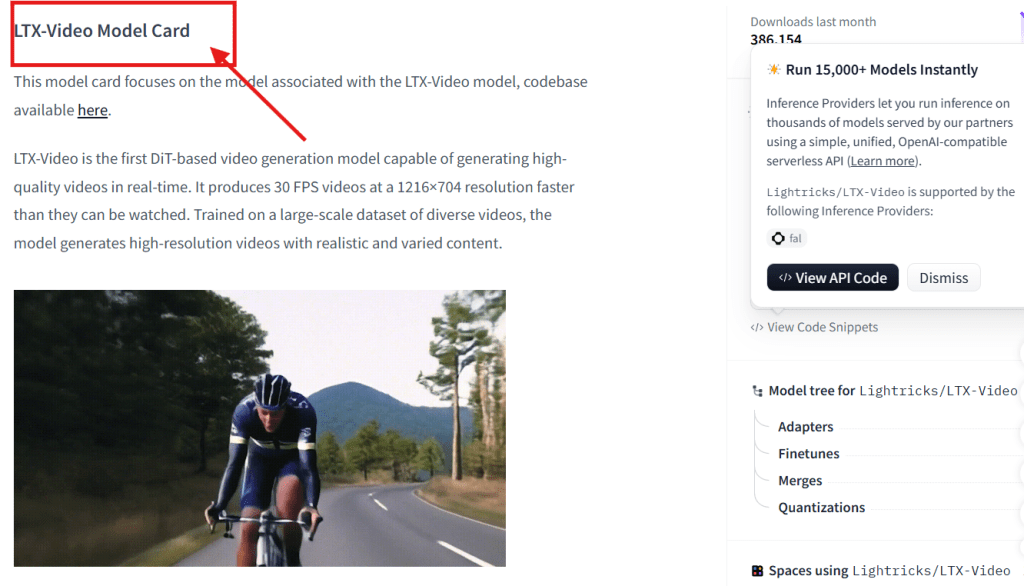
LTX Video on Hugging Face and Wan-AI models on Hugging Face both document these requirements in their model cards — worth cross-checking before you commit to a setup, since quantization options evolve faster than most guides get updated.
A few things this table doesn’t show: resolution matters. Generating at 1080p pulls significantly more VRAM than 720p on the same model. Longer clips push VRAM further. If you’re testing at 5 seconds / 720p and the model runs, don’t assume 10 seconds / 1080p will behave the same.
4080 Super vs 5060 Ti vs 5090
These three cards show up most often in local AI video discussions right now, and they represent genuinely different positions in the market.
RTX 4080 Super — 16GB GDDR6X, ~$999 MSRP
For ai video generation with 4080 Super: 16GB is enough to run LTX Video, Wan 2.1 (14B) comfortably, and Sulphur 2 in FP8 mixed mode. HunyuanVideo at full quality needs 24GB, so on 16GB you’re running it with quality compromises or not at all.
Generation speed on the 4080 Super is solid — Ada Lovelace architecture handles diffusion workloads well, and the memory bandwidth (~716 GB/s) keeps throughput reasonable. A 5-second 720p Wan 2.1 clip takes around 4–6 minutes in my testing. Workable for production at lower volumes. At high clip volume, the compute time stacks up.
The 4080 Super is the card for someone already sitting on one — it runs the current model tier that matters for most workflows. Whether to buy one new in 2026 is a different question.
RTX 5060 Ti 16GB — 16GB GDDR7, $429 MSRP
Same VRAM tier as the 4080 Super, meaningfully lower price, and GDDR7 memory brings bandwidth up to 448 GB/s on the 16GB variant. For AI video workflows, where VRAM capacity and bandwidth both matter, the 5060 Ti 16GB is the most price-efficient entry point into the 16GB workload tier right now.
Per the NVIDIA RTX 5060 Ti official guide, it’s positioned as a mid-range creator card — and for local AI video that means: same model compatibility as 4080 Super, slower compute on heavy inference workloads, lower cost. For a creator who generates 5–15 clips a day and isn’t running a production pipeline at full speed, the 5060 Ti 16GB gets you into the same software tier at less than half the hardware cost.
Known caveat: at launch in 2025, GDDR7 supply issues pushed the 16GB variant above MSRP in some markets. Check current availability before pricing a build around it.
RTX 5090 — 32GB GDDR7, $1,999 MSRP ($2,000–$3,000+ street)
The 32GB ceiling on the RTX 5090 opens models that aren’t practical on 16GB: HunyuanVideo at full quality, Sulphur 2 BF16 dev without compromise, and future models that will undoubtedly want more memory as they scale up. The 1,792 GB/s memory bandwidth is a 78% improvement over the RTX 4090’s ~1TB/s — generation times on memory-bound workloads drop noticeably.
For high-volume local production — running 40+ clips a day, iterating on complex prompts at full resolution — the 5090 is genuinely faster and opens the full model range. For most solo creators? Economics are hard to justify. That $1,500–$2,000 over the 5060 Ti 16GB buys a lot of cloud credits.
The 5090 makes sense if local generation is a daily production tool, not a workflow experiment.
Summary decision table:
| Card | VRAM | Opens | Best for |
| 5060 Ti 16GB | 16 GB | LTX, Wan 14B, Sulphur 2 FP8 | Budget-first entry into real local video |
| 4080 Super | 16 GB | Same as above | Already owned; don’t replace for AI video alone |
| 5090 | 32 GB | All current models at full quality | High-volume daily production; Sulphur 2 BF16 dev |
Local vs Cloud Cost

The break-even math here is real and worth running before buying hardware.
A 5060 Ti 16GB at $429 amortized over 18 months is roughly $24/month in hardware cost, ignoring electricity. Cloud video generation on mid-tier platforms typically runs $0.05–$0.20 per clip depending on model and length. At 30 clips/day, that’s $45–$180 in monthly cloud credits. The hardware starts paying back within the first month at meaningful volume.
At 5 clips/day — the casual end — you’re spending $7–$30/month on cloud. The $429 hardware doesn’t break even for 14+ months. Cloud wins at low volume.
The RunPod GPU cloud platform offers RTX 5090 instances on-demand if you occasionally need the 32GB model tier without owning the card. The math: renting a 5090 for a few hours to run a Sulphur 2 BF16 dev batch is often cheaper than buying the card if you only need that VRAM tier occasionally.
Volume is everything. Estimate your realistic monthly clip count before deciding.
FAQ
Can an RTX 4080 Super run local AI video models?
Yes — 16GB VRAM handles LTX Video, Wan 2.1 14B, and Sulphur 2 in FP8 mixed mode comfortably. HunyuanVideo at full BF16 quality needs 24GB, so on 16GB you’d either run it quantized (with quality trade-offs) or use a lighter model. For most local AI video workflows in 2026, 16GB is a real working tier — not a compromised one.
How much VRAM do I need for image-to-video generation?
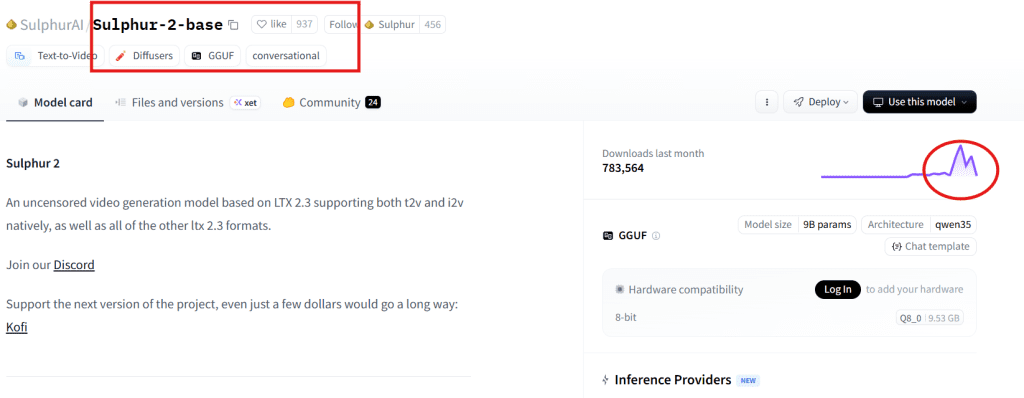
Image-to-video uses slightly more VRAM than text-to-video on most models, because the reference frame gets loaded alongside the generation context. The floor is similar — 8GB for LTX Video i2v, 16GB for Wan 2.1 and Sulphur 2 FP8 i2v. Budget an extra 2–3GB headroom over your text-to-video estimate when targeting image-to-video workflows, and check each model’s card on Sulphur-2-base on Hugging Face and equivalent pages for the specific variant you’re running.
Is a 5060 Ti enough for AI video generation?
The 5060 Ti 16GB variant — yes, and it’s the most cost-efficient way into the 16GB VRAM tier right now. The 8GB 5060 Ti is a different story: 8GB puts you below the practical floor for any serious current model. Make sure you’re looking at the 16GB version. The extra $50 at MSRP over the 8GB card is not optional for this use case — it’s the difference between the card running your models and not running them.
When is cloud AI video cheaper than buying a GPU?
At low generation volumes — fewer than ~10 clips/day — cloud typically wins on pure cost, since hardware amortization doesn’t offset the per-generation spend meaningfully. At moderate-to-high volumes (30+ clips/day consistently), local hardware breaks even within 1–3 months depending on card price and cloud platform. The other variable is resolution and model tier: if you only need 16GB-class models, the 5060 Ti 16GB makes the math work faster. If you regularly need 32GB (Sulphur 2 BF16, HunyuanVideo full quality), cloud GPU rental for those specific sessions is often smarter than buying a 5090.
The GPU decision for local ai video generation isn’t about raw performance rankings — it’s about which VRAM tier unlocks which models, and whether your generation volume justifies hardware over cloud at that tier.
16GB opens most of what matters in the current model landscape. 32GB opens everything and eliminates the quantization conversations entirely. The gap between them in 2026 is roughly a $1,500–$2,000 hardware cost difference — that’s the number worth thinking through against your actual workflow.
What’s your current setup, and what are you trying to run that is not handling? Drop it below — I keep a running note on VRAM edge cases and this kind of real-world data is more useful than any benchmark.
Previous Posts