
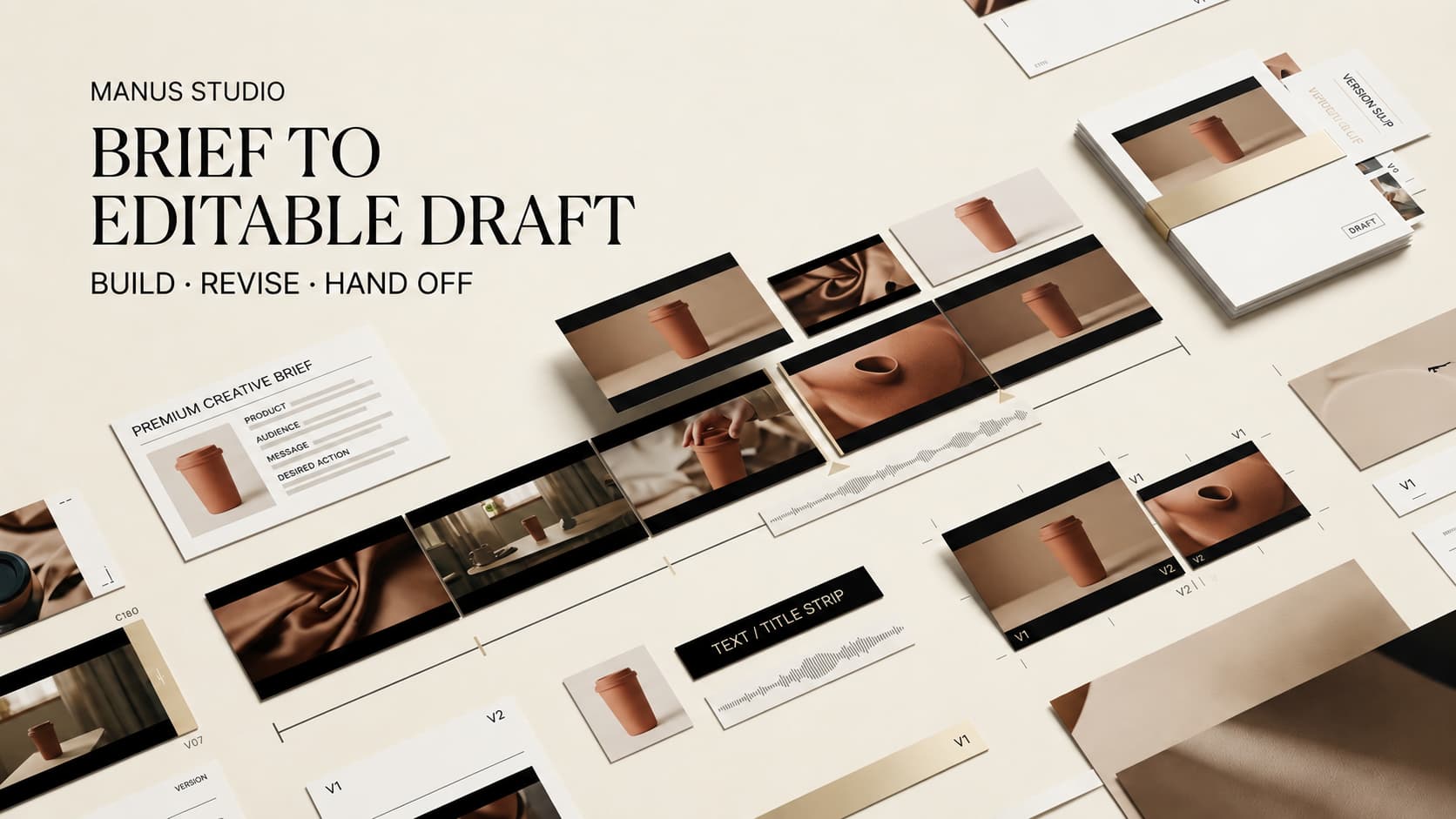
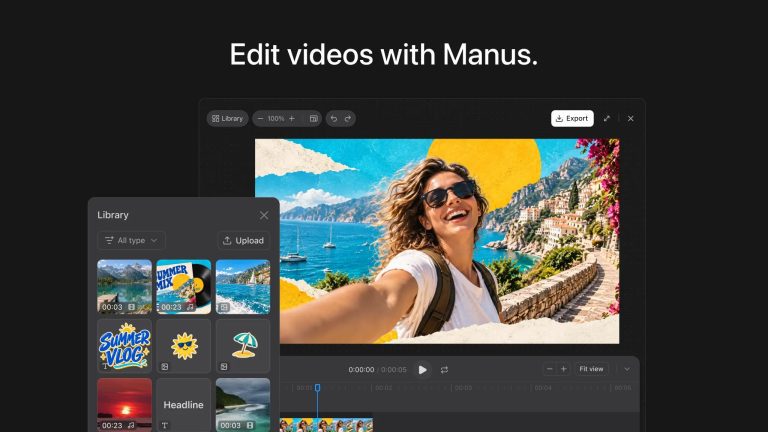
A first cut can look ready until the product team asks to replace one inaccurate shot. Manus presents the Manus Studio video editor as an editable timeline with separate clips, images, text, motion graphics, and audio. This workflow interprets that claim; it is not a hands-on quality test.
Define One Short Video Brief
Start with one deliverable. Imagine a 45-second vertical ad for a folding desk lamp, aimed at people with compact desks. The goal is a product-listing visit. Show the cramped desk, unfolding lamp, real demonstration, and call to action. A rough beat map might give five seconds to the problem, twenty to the demonstration, and the remainder to the benefit and close. This is illustrative, not a Manus test.
Before choosing a style, settle the claim. “Folds flat for storage” may be approved; “improves productivity” needs evidence or removal. That gives the team a clear review standard.
Prepare the Assets and Acceptance Criteria
Gather Approved Footage, Product Images, Copy, and Audio
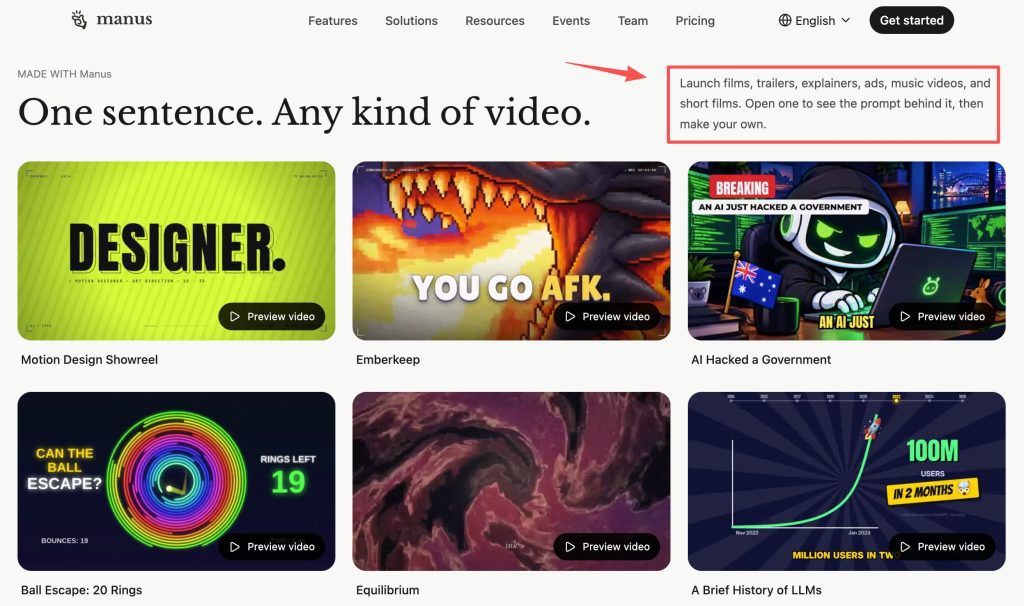
Label approved lamp footage, product photos, logo, exact copy, and licensed audio. Flag the demonstration as real footage. Keep the approved source files in a folder separate from exploratory images, with names that identify the product version and usage permission. Manus describes starting with scripts, images, or footage; that does not authorize unlicensed music or customer images.
Record what cannot change: shape, color, features. If a generated shot looks better but misstates the product, use the real shot. In a product ad video workflow, visuals can imply a buying promise. A hinge that appears to rotate farther than the real one is not merely an aesthetic variation.
Set Duration, Audience, Format, and Call to Action
Specify length, canvas, audience, and final action. Leave time for the demonstration and a readable close. Accept only correct product details, approved copy, legible text, usable sound, and a visible call to action. Do not invent claims to fill time.
Ask Manus Studio for the First Cut
Keep the Request Focused on One Deliverable
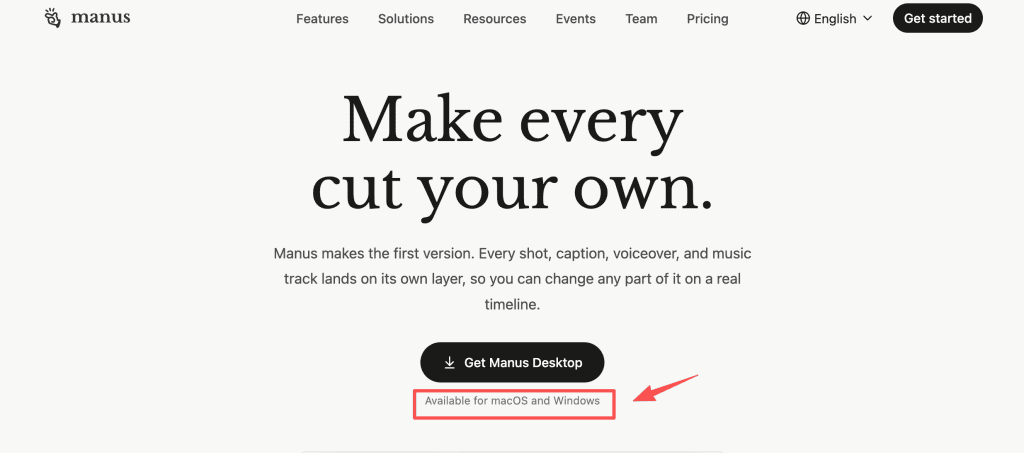
Ask for one editable first cut, using approved assets and a stated scene order. Distinguish supplied from generated shots. Manus describes an AI editable video draft in its macOS and Windows desktop editor; quality remains untested here.
Leave audience variants and localization until the core demonstration works. State which shot is mandatory and which imagery may be generated. If an asset is missing, ask for a placeholder, not an invented product view.
Review the Draft Before Adding More Direction
Watch once without pausing. Is the product visible when the claim lands? Then inspect the AI video timeline for substituted footage, wrong captions, and buried sound. Put factual corrections before taste notes. A draft with a wrong lamp color fails even if the pacing is lively. Only after the facts are sound should the team debate music, type size, or transitions.
Revise the Editable Timeline
Replace Clips, Audio, Text, and Motion Elements
The official workflow allows swapping a product shot, changing music, correcting captions, trimming pauses, and moving animation. Replace an inaccurate hinge close-up with approved footage. Fix the caption, then move the title off the hinge. Replay the surrounding seconds; a better shot can disrupt the next cut. If the voiceover names the hinge before the new footage shows it, slide the audio or shorten the preceding scene before altering the claim.
Return Selected Changes to the Agent
Then request a bounded agent pass: refine pacing around the new shot, preserving the approved clip and copy. Manus describes continuing from user edits; inspect what changed and save a review copy first. Compare the requested range and neighboring cuts afterward.
Export and Hand Off the Approved Draft
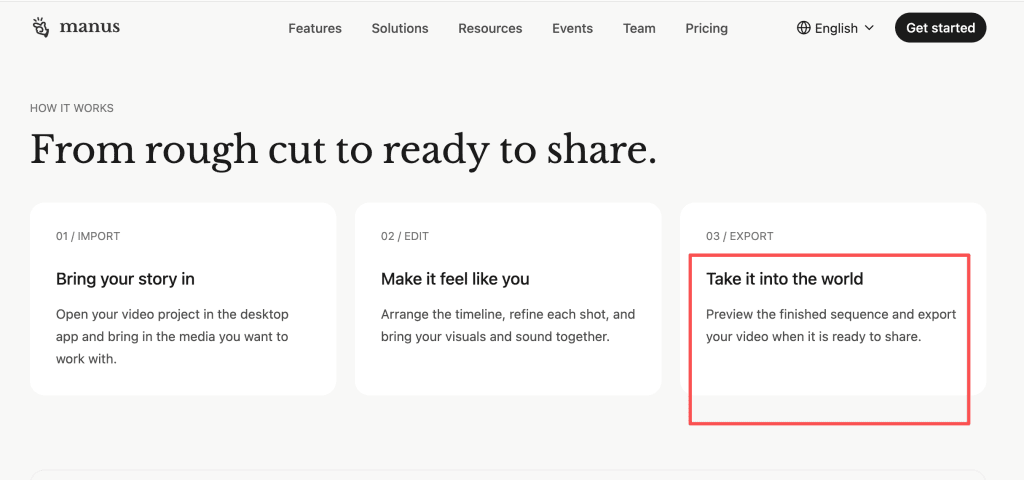
Preview first and last frames, then use the desktop video export controls. Inspect the render for text cropping, audio, product accuracy, and watermarks. The reviewed materials do not clearly promise a Video Editor-specific resolution or watermark status; verify both before delivery. Play the file on a phone as well as in the editor. Small captions and a soft voiceover can pass a desktop preview and fail in a feed.
Hand off the export with the brief, asset sources, copy approval, and change log. Keep the editable project and original media; the render will not preserve its timeline layers. If another editor will finish the ad, agree on whether they need only the render or also source media and a shot-by-shot change record.
Where the Video Editor Still Needs Human Judgment
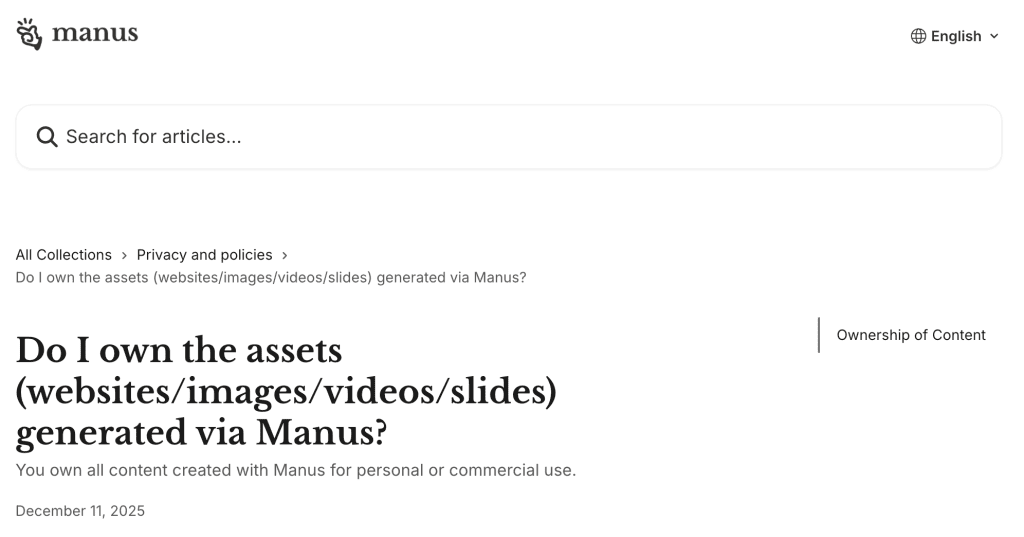
The Manus 2.0 video editor cannot substantiate a claim or clear a likeness. Output-use rights remain subject to law and third-party rights; AI output may not be unique or protectable. Check shots, voices, music, and logos. Never portray a synthetic customer as real without authorization.
As of October 1, 2026, this Manus Studio workflow is source-based, not a timed test. If revisions remain unmanageable, finish with the brief and assets in another editor.
FAQ
Which Manus plans include the Video Editor?
The editor is documented for macOS and Windows, but plan-by-plan access and credits are not clearly mapped. Check your account before budgeting; general Manus pricing does not establish a fixed cost for this editor’s first cut.
Which source files can Manus Studio import?
Manus describes local video, images, text, and audio, but not a clear extension or size list for Video Editor. Test your files first.
Can collaborators edit the same video project?
General task collaboration exists; simultaneous multi-user timeline editing is not clearly confirmed. Assign one project owner and collect feedback outside the timeline until verified.
How long are uploaded media and project files retained?
No Video Editor-specific retention period is clearly published. Ask support about project media and keep an authorized backup before removing local originals.
What commercial-use terms apply to exported videos?
Manus permits commercial output subject to law and third-party rights. Check current terms and licenses for footage, music, likenesses, and generated assets.
Conclusion
For one short ad, the useful test is simple: can the team move from an approved brief to an editable cut, fix a wrong product moment without rebuilding everything, and export a file it can stand behind? Keep the first run small enough to answer that question.

[…] Manus Studio Video Editor: Brief to Editable Draft Claude Opus 5.5 for Storyboards: What to Test Claude Opus 5.5 Prompts for Consistent Video Scenes Script Visuals for AI Generation Workflow AI Video Review Checklist Before Export […]