A 30 second explainer video is a test of priorities. The viewer has time to understand one useful thing. The question is not “How do we fit it all in?” but “What can we leave out without losing the point?” The constraint forces the explanation to happen on screen instead of hiding in a fast voiceover.
Give the Video One Job
Write one sentence describing what the viewer should understand: “The clip keeps a charging cable within reach of the desk edge.” That gives the camera something to show.
Choose a separate next step, such as viewing the product dimensions. A single main message with a clear next action keeps the explanation and action aligned. A 30-second ad may seek a visit; a short explainer may simply remove confusion. Neither guarantees conversion.
Use a Simple 30-Second Story Shape
The story needs a question, a visible answer, and a next step.
Open With the Viewer Problem
Start with a recognizable situation. A cable slipping behind a desk is easier to grasp than “innovative design.” Show the friction in one shot. If it needs backstory, the problem is too broad.
Show the Mechanism or Proof
Show what changes: the cable goes into the clip and stays accessible. For a service, show the action sequence; for a mission, show where a contribution goes. Animation cannot prove an unsupported claim. In the US, rules against fake or misleading testimonials make invented customer praise a poor shortcut.
End With One Next Step
Ask for an action that fits the video: inspect dimensions, open the booking form, or check donation rules. “Find out more” is too vague. Hold the final text long enough to read.
Allocate Time Across the Scenes
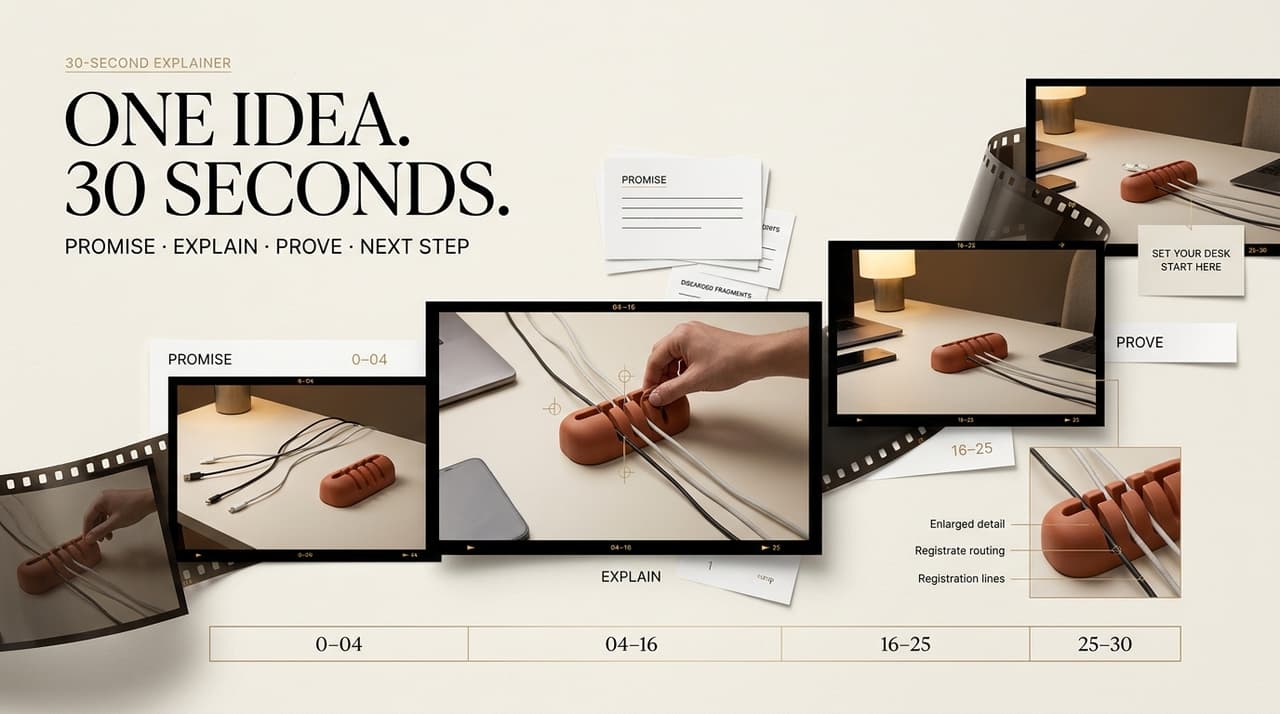
Try four beats on an explainer storyboard: 0-6 seconds for the problem, 6-11 for context, 11-23 for the demonstration, and 23-30 for the next step. These are planning slots, not rules. Give the mechanism more time before speeding up the voiceover.
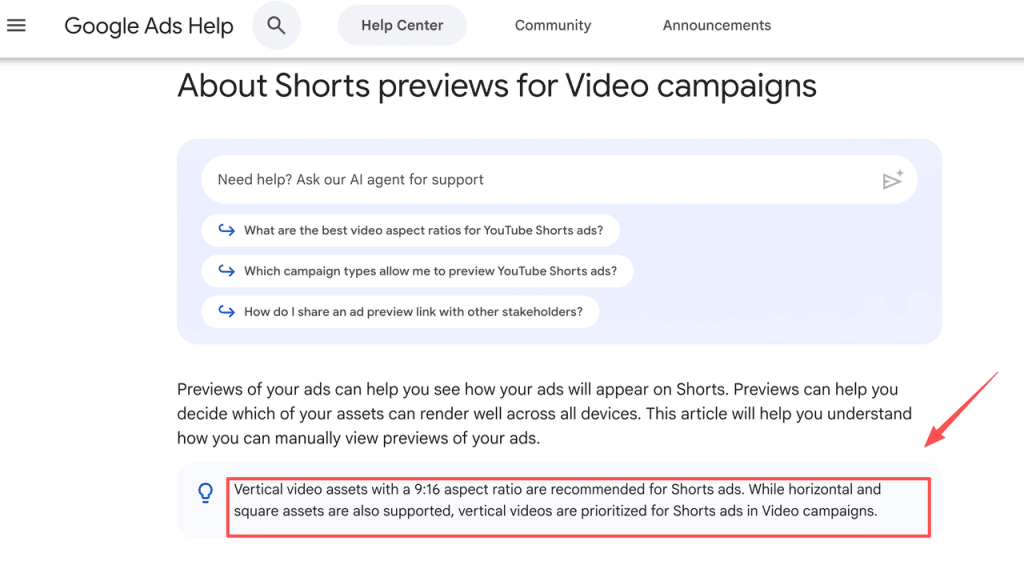
For each frame, record the shot, spoken line, text, and visual focus. Read the 30 second video script aloud over rough frames; leave room for breaths and the final card. Shorts ad previews prioritize vertical 9:16 assets, so check framing before a vertical crop hides the action.
Study Three Original 30-Second Scripts
These fictional scripts are not tested campaigns. Read each against a timer and adjust the shot holds.
A Product Explanation
A fictional desk clip needs to explain one physical action, not an entire product line. At 0-6 seconds, show a cable falling out of reach. Voiceover: “The charger is here. The cable isn’t.” At 6-11, show a hand placing the clip at the desk edge: “Keep the end where you need it.” At 11-23, show the cable sliding into its channel and being picked up: “Slide the cable in, then lift it out when it’s time to charge.” At 23-30, hold on the product beside a laptop: “Check the clip’s size before choosing yours.”
The short voiceover leaves room to see the mechanism. Board the cable’s path in one close-up, with the hand and desk edge visible, or the clip may look like a mystery object. Durability, universal fit, and charging speed are deliberately omitted; they would need evidence.
A Process Explanation
Imagine a small community studio explaining room reservations. At 0-7 seconds, show two people arriving for the same room. Voiceover: “Not sure which room is free?” At 7-12, show the booking calendar: “Choose a date and open slot.” At 12-23, show the room details and a confirmation screen: “Check the room details, then confirm your reservation.” At 23-30, show the next step: “Start with the availability calendar.”
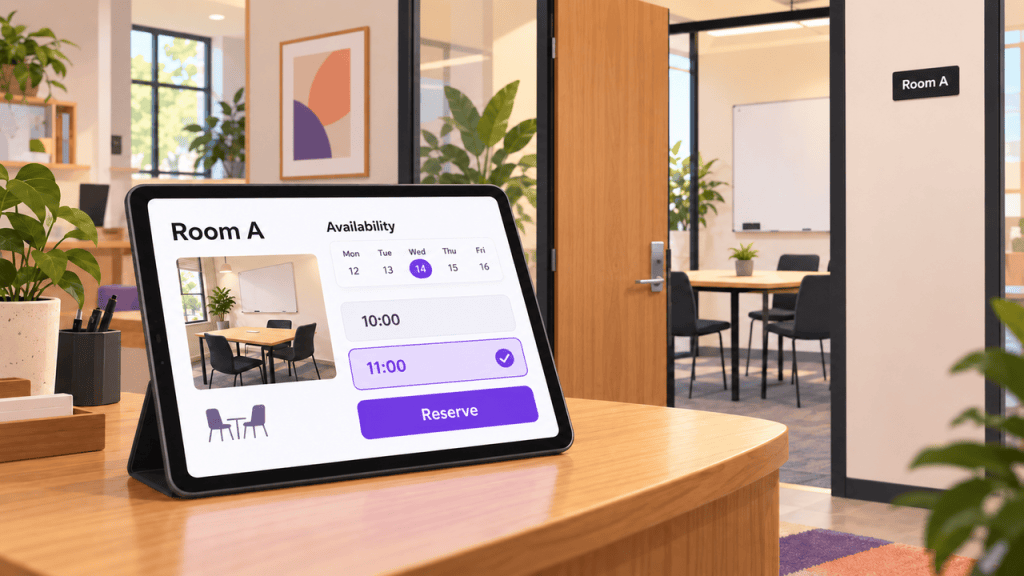
This omits cancellation terms and fees. Put them near the booking form, unless one changes the decision before booking. The screen recording should use a fictional booking, not expose a real person’s details.
A Mission Explanation
A fictional neighborhood seed library wants people to understand what it does. At 0-7 seconds, show sealed, labeled seed packets sitting unused. Voiceover: “Extra seeds can still be planted.” At 7-13, show a volunteer checking labels: “Neighbors share labeled packets.” At 13-23, show the packets organized for pickup: “The library sorts them so others can find a variety to grow.” At 23-30, show a clear destination: “See what the library accepts.”
This explains the exchange, not impact. Show labels clearly enough to make the sorting legible. Avoid staged recipients presented as real beneficiaries; harvest and environmental claims need support.
Cut Anything That Competes With the Main Point
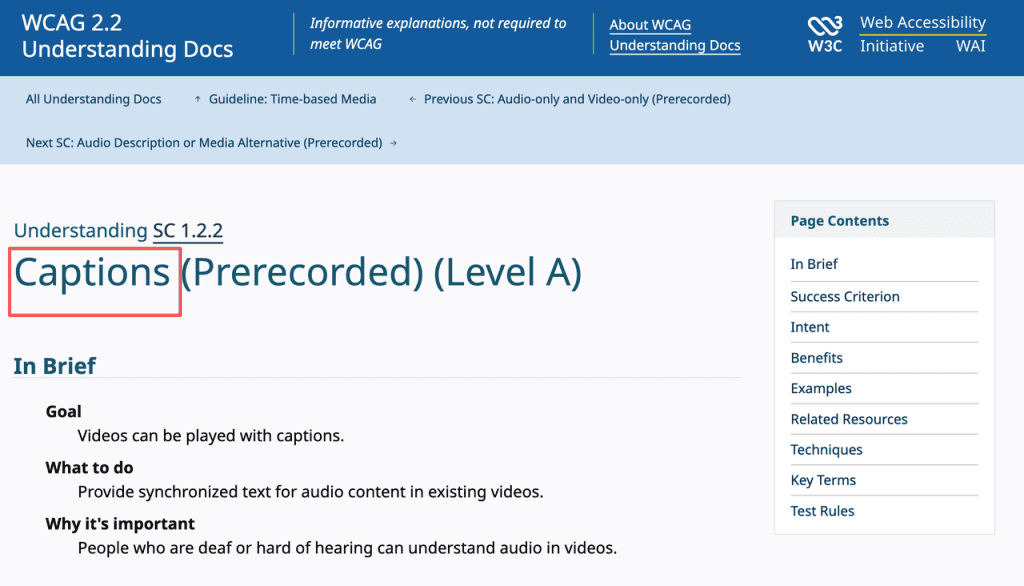
Watch the rough cut without sound, then listen without picture. Does each version still explain the change? Captions should carry speech and meaningful sound cues, but they cannot replace a missing demonstration.
If the cut feels crowded, remove an idea before removing pauses. A scene-planning tool can propose a shorter draft, but claims, rights, timing, and platform fit still need human review. Never let synthetic people impersonate customers, staff, or experts.
FAQ
How many words fit in a 30-second voiceover?
There is no fixed number. For visual-heavy scripts like these, 30-65 spoken words is a rough planning range, not a target. Time a real read with pauses and the final card. Names and unfamiliar terms slow delivery. Cut a claim before making the speaker race.
Should a 30-second explainer include a logo intro?
Usually not a separate one. Show the brand on the product or final card. A standalone opener spends time before viewers know why to care. Check any paid-placement requirements.
How should silent viewing change a 30-second explainer?
Make the visual sequence intelligible on its own. Keep text readable over motion and test the mobile preview. Captions support accessibility; the silent-viewing test checks the demonstration.
How can a team test comprehension before publishing a 30-second explainer?
Show the rough cut once to someone outside the project. Ask what changed and what they would do next, without explaining the brief. If they remember a side detail, revise the scene order.
What aspect ratios should be planned before production?
Start with the intended placement. Vertical social cuts and horizontal embeds may need different compositions and text positions. Mark safe areas on the storyboard and preview each destination.