An edit can stall when a speaker says, “We cut packing time,” but the timeline has only their face and a jump cut. A label printing, a hand scanning a parcel, or a finished order leaving the bench gives that line something concrete to mean.
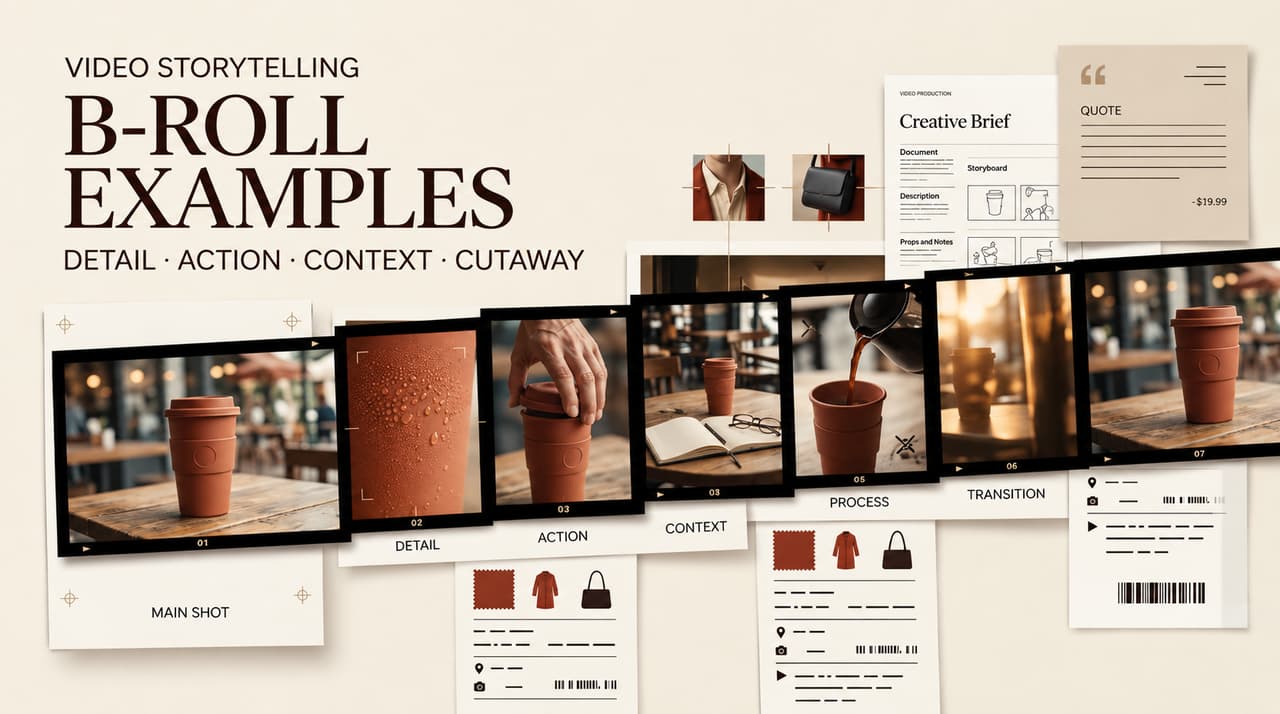
These B-roll examples turn common supporting footage examples into usable B-roll ideas for product videos, lessons, interviews, and brand stories. Each example starts with the main shot, adds one purposeful insert, and explains what the viewer should understand from the cut.
What B-Roll Should Add to a Main Shot
B-roll supports the primary image or spoken message. It can establish place, show action, cover an edit, or let the viewer inspect a detail. Ask one question: after the cut, does the viewer understand something new?
Good supporting footage does one job: show a claim in action, track a step, reveal an interview subject’s environment, or give a brand story room to breathe. B-roll can illustrate a story or cover an interview cut. An insert that only hides a cut tends to feel thin.
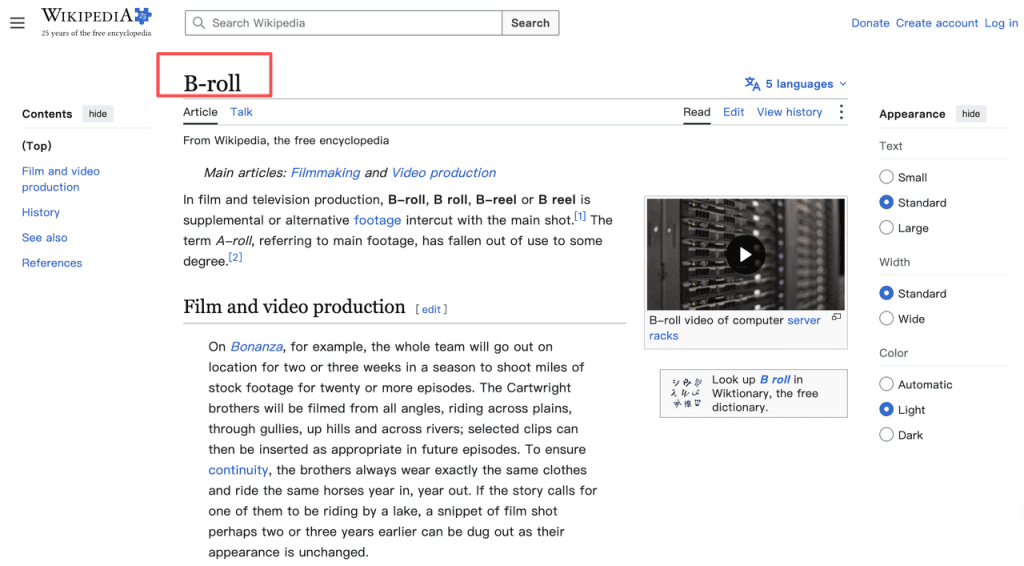
Plan B-roll around meaning before choosing angles. A wide shot, close-up, moving detail, and over-the-shoulder view are camera choices. What the story needs determines which one belongs in the edit.
B-Roll Examples by Video Purpose
Show Context Around a Product Claim
Main shot: a founder explains that a refill pack reduces countertop clutter. Insert shot: a hand removes the empty container, places the refill beside the product, then holds on the cleared surface. The insert gives the claim a visible consequence.
Avoid a generic laptop shot. It proves nothing about the product. If B-roll makes a performance, health, environmental, or savings claim, check that the footage and voiceover tell the same truth. In the United States, advertising claims must be truthful, non-deceptive, and evidence-based.
Make a Tutorial Step Easier to Follow
Main shot: an instructor says, “Open the settings panel and turn on review mode.” Insert shot: a screen capture opens the exact panel, then shows the switch changing state. The viewer sees the task as the instruction arrives.
For physical tutorials, use hands, tools, ingredients, or a product control. Keep the camera on the part that changes, then return to the instructor after the action. Do not cut to a new angle for every sentence.
Support an Interview Without Distracting From It
Main shot: a shop owner describes the first busy morning after a renovation. Insert shot: the door opening, staff setting out cups, the new counter, and a customer entering with consent. Those images let the audience picture the memory while the owner’s voice stays in charge.
The B-roll should match the speaker’s point in time. A glossy current-day shot can rewrite an older problem. Use archive material only when its date and permission are clear. Otherwise, choose a neutral context shot.
Build Place and Mood in a Brand Story
Main shot: voiceover introduces a coastal workshop that makes small-batch ceramics. Insert shot: an exterior before opening, clay on a wheel, a hand cleaning a glaze mark, then shelves in late-afternoon light. The sequence establishes place and mood.
Mood shots work when they stay close to the story. A drone view, coffee pour, or plant shot needs a link to place, pace, craft, or character. Otherwise, the edit becomes a montage that borrows attention from the message.
Pair Main Shots and B-Roll in a Shot List
Build the B-roll shot list beside the script. This original example fits a 45-second product tutorial and identifies the spoken beat, insert, and editor check.
| Main shot or spoken beat | Supporting footage example | Narrative job | Continuity check |
| “The old setup took too long.” | Close-up of the old manual step | Show friction | Correct product version |
| “Here is the new process.” | Hand opens the new tool | Mark the change | Same hand, wardrobe, and work surface |
| “Choose the blue setting.” | Screen crop of the setting | Show exact action | UI matches current release |
| “The order is ready.” | Label prints and box closes | Show result | Product label and date are accurate |
| Closing line | Clean product hero shot | Give the message a resting place | Logo, color, and crop are approved |
This b-roll shot list does not ask the crew to collect every attractive angle. Mark a shot as essential when the video would become harder to understand without it. Mark it optional when it only adds texture.
Generate or Capture B-Roll Without Losing Continuity
Captured footage gives the team the most control over the real environment, people, product, and action. Record handles before and after an action, then note location, subject, wardrobe, product version, and permission status. Those notes help when the editor needs a match shot later.
Stock can solve a context gap, especially for an establishing shot. It cannot stand in for a real client location, customer, employee, or product process. Movies, photos, and audiovisual clips can be protected original works of authorship, so retain the license record, source URL, intended use, and required credit with the file.
AI B-roll works best as a planned visual asset, not evidence. Give it one narrow role, such as an abstract transition, fictional environment, or mood image. Before approval, compare it with surrounding shots for character appearance, product shape, logo treatment, light, camera height, and motion. A beautiful clip that changes the product or implies a real testimonial should leave the timeline.
Edit B-Roll for Rhythm and Clarity
Cut to B-roll when information changes, a physical detail needs attention, or a transition feels abrupt. Let a demonstration shot stay long enough for the eye to find the action. Quick inserts suit simple beats, not steps that need inspection.
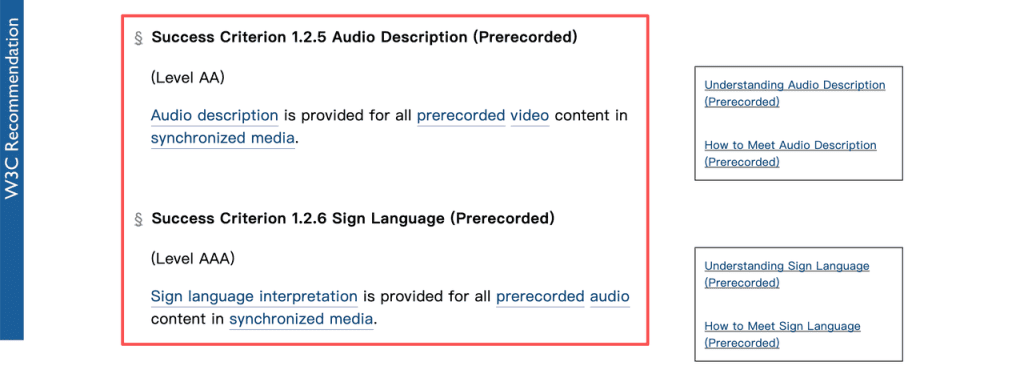
Keep main audio clear unless the B-roll carries sound that matters. Natural sound from a door, tool, or workspace can ground an insert, but it should not bury dialogue. When visuals carry information that audio does not, plan accessibility early. Audio description forms part of WCAG 2.2’s requirements for prerecorded video, while captions handle spoken and meaningful audio information.
Before final export, watch once with the sound off. If the B-roll changes the story, claim, product, or step in a way that is unclear without narration, add clearer visual cues or revise the shot.
FAQ
How much B-roll does a short video need?
There is no useful fixed ratio. A 30-second tutorial may need four precise inserts, while an interview needs more context shots to cover pauses and edits. Count moments that need proof, action, place, or a clean transition, then capture one approved option for each.
Should B-roll include dialogue?
Keep main dialogue on the primary audio track. Use B-roll dialogue when the words add evidence, such as a customer question during a demonstration. Record and label it clearly, then check it against the interview or voiceover.
How do you label B-roll files for an editor?
Use project, scene, subject, action, take, date, source, and rights status. For example: Launch03_S02_RefillPack_LabelPrint_T03_2026-09-29_Captured_ReleaseOK. Keep a matching log with the script beat and continuity notes.
Can the same B-roll appear in multiple videos?
Yes, when the license, consent, product version, and narrative fit still hold. Recheck old footage for retired packaging, expired offers, former employees, and releases that do not cover the new channel.
How should B-roll permissions be tracked when several vendors contribute footage?
Assign one asset owner to maintain a shared rights register. Each entry needs the contributor, agreement or license, releases, usage scope, territory, expiry date, credit rule, and link to the original file. Do not mark footage cleared until the record is complete. For a material campaign, ask the appropriate legal reviewer to confirm the rights position.