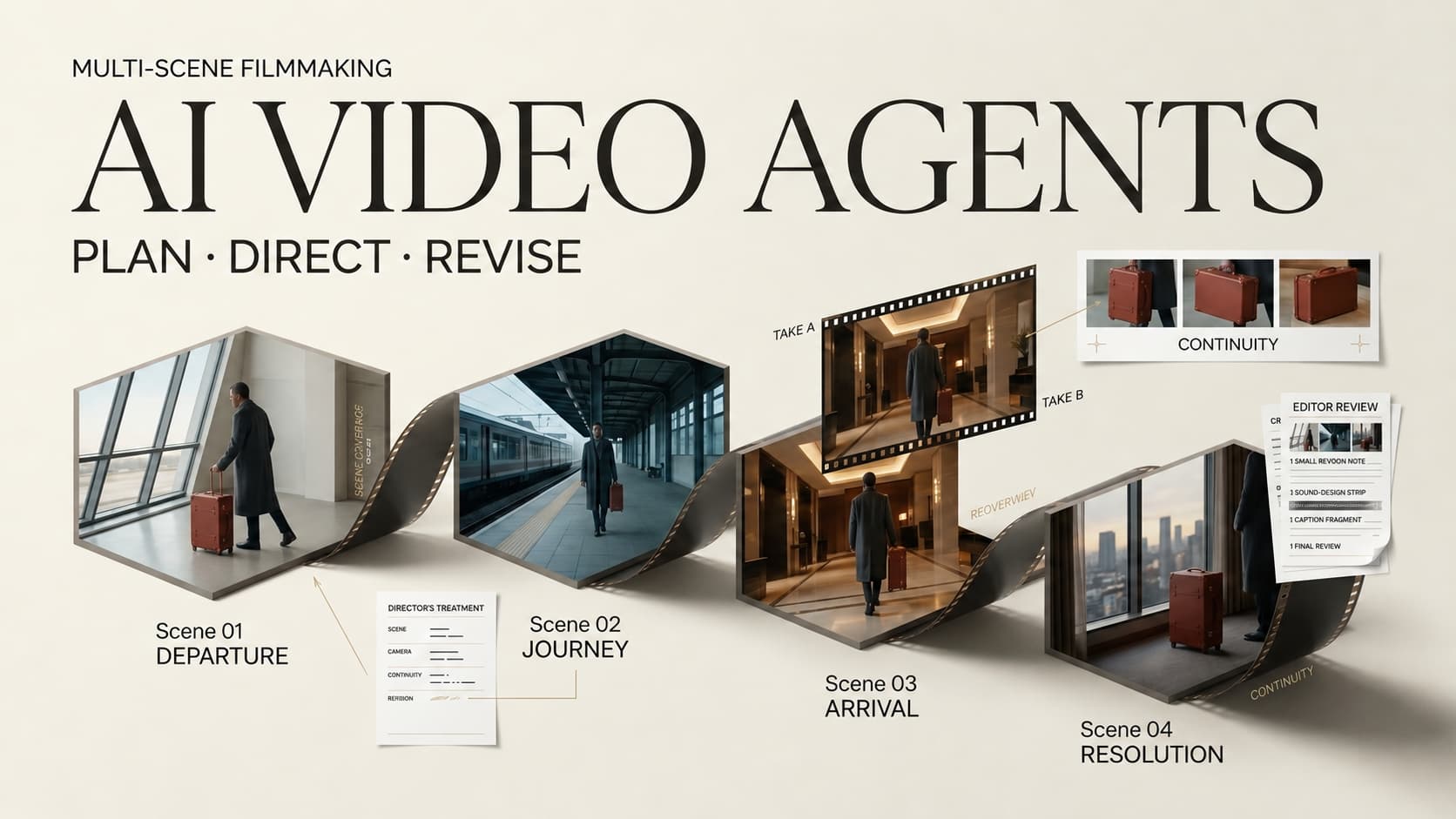
Choose CrePal for a guided marketing draft, InVideo Agent for shared project context, or Runway Agent for shot direction beside a hands-on Final Cut timeline. These are conditional choices, not quality rankings. No identical hands-on test was conducted; this comparison uses current documentation and a repeatable brief. That distinction matters: a polished demo can show what a platform intends, but it cannot tell you how many retakes your own brief will need.
Which Video Tasks Need an Agent Rather Than a Clip Generator?
A clip generator may suffice when you know the shot and can edit it yourself. An agent helps when you need scene planning, shared constraints, local revisions, and an assembled cut. An AI video agent for multi-scene videos should reduce coordination work, not just generate more footage.
If the brief only asks for a notebook close-up, use a shot tool. If it asks for four connected scenes with a stable label and one later scene change, evaluate an agent. A person must still confirm that the depicted product is accurate. If a campaign already has locked footage, a locked edit, and only one missing insert shot, an agent may add more decisions than it removes.
How We Compare Multi-Scene Video Agents
Use one fictional 45-second notebook brief: S01 scattered notes, S02 approved cover and replaceable insert, S03 use at a desk, S04 one call to action. Supply authorized photos, logo, and the approved line, “Replace the paper insert.” Forbid invented sizes, green claims, and testimonials.
Request a plan before generation. Then change only S03’s desk setting, preserving product, narration, and other scenes. Save the plan, revision, cut, and export. This checks the script-to-storyboard agent, multi-shot video agent, and AI video agent revisions on one task.
Script and Scene Planning
Look for four distinct scene jobs, not four beauty shots. Each should name its viewer takeaway, approved asset, and claim. A plausible storyboard does not prove the generated frames will match. Reject a plan if it puts the approved product claim in S01 before viewers have seen the insert, or if S02 and S03 duplicate the same explanation. The scene plan should make revision cheaper by revealing these problems before generation.
References, Revisions, and Final Assembly
When S03 changes, inspect S01, S02, and S04. Note whether decisions survived, whether the whole cut needed rerendering, and what files were exported. An editable project, rendered video, and loose clips are different handoffs. Ask an editor to reopen the output, replace the S03 clip, adjust narration timing, and preserve the original S02. That small exercise reveals whether the tool’s “final cut” is useful to your team or simply a convenient preview.
- CrePal — Guided Drafts for Creator and Marketing Videos
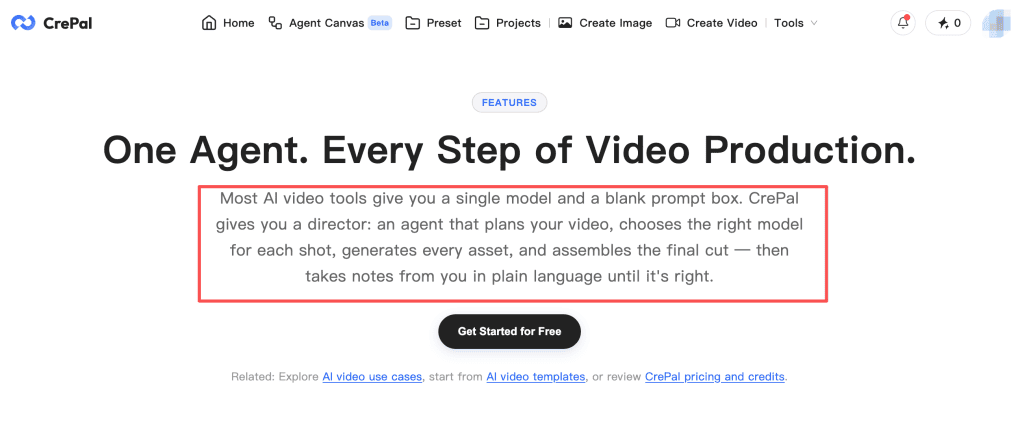
CrePal is a candidate for a short marketing draft with conversational revisions. Its AI director video workflow covers scene planning, generation, and chat-based changes. That warrants a trial, not a win.
Where the AI Director Workflow Helps
Give it the approved line and images, then inspect the plan. Its public description distinguishes guided Story Mode from Director Mode with shot-level controls. Change S03 alone and check whether the cover, insert, and closing action survive. A good note names the intended change and the protected elements: “Move S03 to a kitchen table; leave the notebook design, spoken claim, and S04 untouched.” If the answer is a wholly new cut, that is an important cost and review signal.
The scene previews and chat-based refinement do not prove each local change preserves continuity. Record what actually changes. Keep the approved product photo next to the preview; a generated notebook may look persuasive while quietly changing the binding. That is a human product-accuracy problem, not a prompt-writing contest.
When More Manual Finishing Is Needed
CrePal offers video export, but the reviewed materials do not establish a transferable editing project. If a client needs separate tracks or a project file, verify that path first. Check labels, captions, logos, and claims manually. A marketing team should also watch the exported file, not only the workspace preview. Text that appears correctly in one view can still be cut off in the delivery format, especially after a new scene changes timing.
- InVideo Agent — Shared Context for Narrative Projects
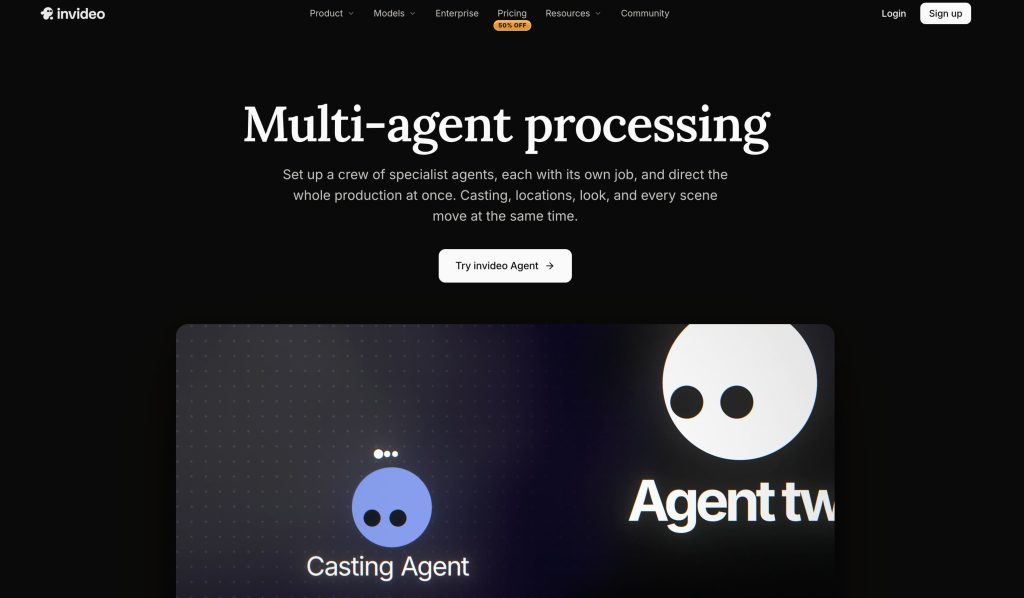
InVideo’s agents share project context across assigned jobs. Its storyboarding and timeline tools make it relevant to recurring scenes. Shared context is documented; superior visual consistency is not.
Where Project Context Helps
Project-level Context holds references and decisions across sessions. Test whether S02’s approved cover still guides S03 after another agent edits it. This is a documented design claim, not a guarantee against label or insert drift. Before S03 is generated, ask which reference and rule it will use. If a reviewer corrects the product cover, verify that the correction reaches later scene tasks rather than living only in one agent’s chat.
Shared context can save repeated briefing, but setup takes care. A wrong product fact stored once can spread across the project. Give the team one owner for approved facts and references; otherwise parallel work can amplify a mistake before anyone spots it.
Where Editorial Review Still Matters
A scene can match the reference yet confuse the story. Check whether revised S03 changes how viewers interpret S02. If S02 shows the insert being replaced and S03 suddenly shows a different binding, the problem is not a cosmetic mismatch. The video now teaches the wrong mechanism.
InVideo supports finished-video and editable-project exports for external editing. Import a sample first; documented export does not guarantee every effect transfers cleanly. The receiving editor should check clip positions, audio sync, type, and missing media before the project is considered delivered.
- Runway Agent — Directed Shots and Final Cut Control
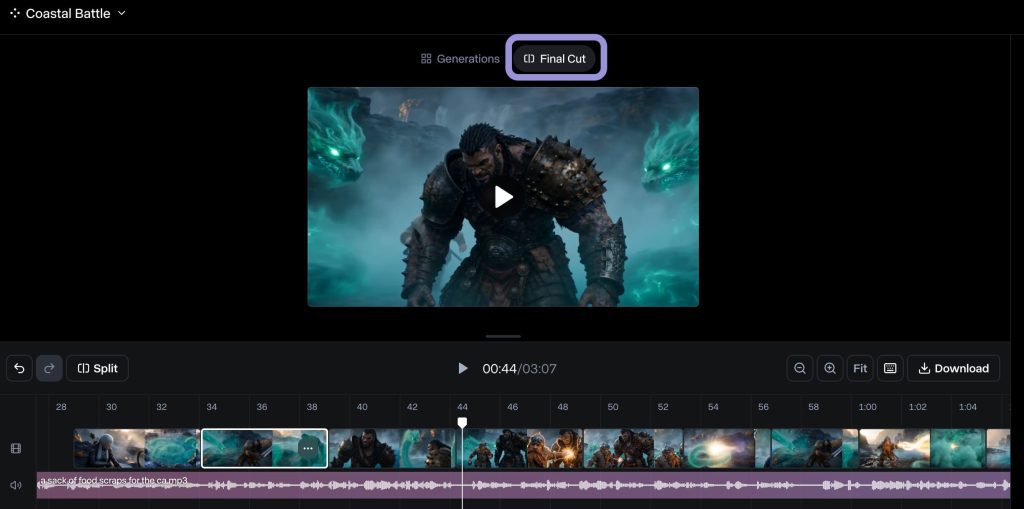
Runway Agent can plan stories and multi-shot sequences, then assemble generated or uploaded media in Final Cut. It suits producers who want direct trimming and shot order control.
Where Shot-Level Direction Helps
Have Agent plan S01-S04 before generation. Its approval setting shows the model, prompt, and estimated credit cost before proceeding, useful when one disputed shot needs a contained retry. Project-based Agent access is listed for Enterprise plans, so confirm whether your team needs that workspace structure or can work through ordinary Agent sessions.
Saved image, video, or audio references can guide prompts, depending on the model. Compare each output with the approved cover; a saved reference is not a fidelity guarantee. If the product is genuinely for sale, do not approve a beautiful frame that changes a functional detail. Replace the shot with verified footage when generation cannot hold that detail.
Where the Workflow May Need Extra Tools
Runway’s Final Cut supports trimming, tracks, and video download, but does not currently place still images on the timeline. Check another finishing route for still layouts or project-file transfer; the reviewed guide documents video download, not portable project export. For a producer whose final edit lives elsewhere, that may be acceptable if Runway supplies approved shots. It is less convenient if the editor must reconstruct every transition and timing choice.
Which Agent Fits Your Multi-Scene Brief?
Start with CrePal for a guided ad draft, InVideo for shared narrative context, or Runway for shot-level direction beside a timeline. Access and handoff needs can reverse that choice.
Compare the plan, S03 revision, untouched scenes, export, and manual fixes. Record real edit time and credits only after a run. The best AI video creation agents leave your team with less uncontrolled work.
Limits of Agent-Led Video Production
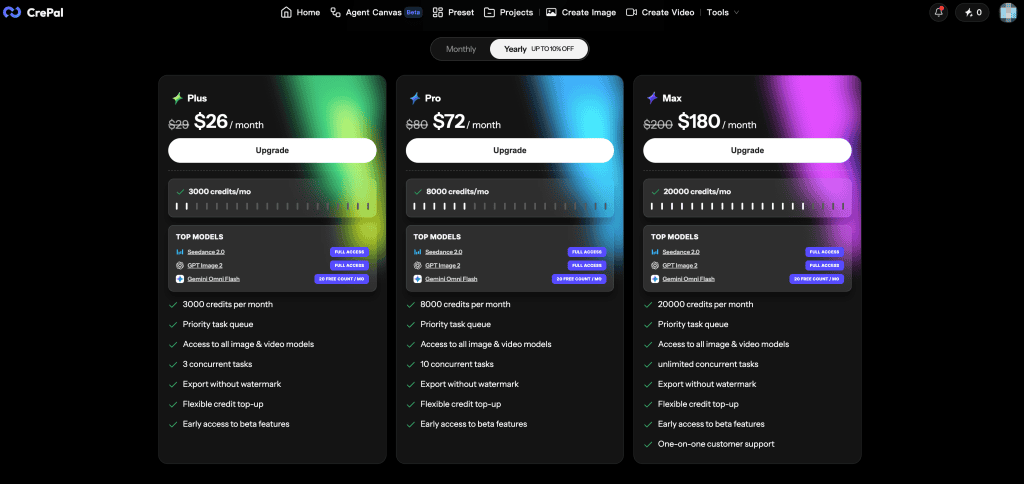
Agents do not clear rights. As checked on October 8, 2026, CrePal’s pricing language conflicts on free-plan commercial use: the main copy points to paid plans, while its FAQ includes Free; its terms restrict commercial redistribution of watermarked free output. Confirm the specific plan and export with the provider before client work.
InVideo’s output rights remain subject to stock-content licences. Runway’s terms permit compliant commercial output use and allow model-improvement use of inputs and outputs. Check current plans, privacy terms, and platform rules, especially for confidential photos. InVideo’s privacy terms distinguish its own training practices from third-party provider handling; do not assume a single privacy rule follows an asset through every model. Also check what team access is actually included in the intended subscription. This is not legal advice; actual rights depend on current terms and asset permissions.
FAQ
Can Runway Agent combine uploaded footage with generated shots?
Yes. Final Cut accepts uploaded video alongside generated clips. Confirm file limits in your account; reference uploads and timeline items are not the same.
Can InVideo agents share character references across separate tasks?
Within one project, agents share Context across tasks and sessions. Cross-project sharing is not established. Check what a new task actually inherits, including an approved character image and a rejected wardrobe option.
Can CrePal collaborators comment on individual scenes before export?
The reviewed sources document scene feedback, not clearly multi-user comments on individual scenes. Confirm the exact review feature before promising client approvals. Otherwise, keep approval notes in a separate review system with scene IDs.
Which of these agents exports a project for further editing?
InVideo documents editable-project export. Runway and CrePal document video exports, but the reviewed sources do not establish equivalent portable project files. Test an import. A rendered file may be enough for publishing but not enough for a client who expects to revise narration next month.
What usage rights apply to generated scenes from each platform?
Each platform’s terms govern outputs; photos, logos, music, and likenesses need separate rights. Check stock licences, watermarks, and disclosure rules. Output permission does not clear third-party inputs. Keep an asset-source record with the final cut so a later campaign reuse can be checked.
Conclusion
There is no useful winner without a brief, a revision, and a handoff. For the notebook video, the telling moment is whether S03 can change while product truth and the other scenes stay intact. Validate that change before scaling production. An agent earns its place when the second decision is easier than the first, not merely when the first preview arrives quickly.