Hi, Dora here.
My cloud video generation bill in one particularly heavy production month hit a number that made me close the tab immediately and go sit quietly for a few minutes. I knew local models existed. I’d been putting off the setup because “it sounds complicated” is a comfortable place to stay.
That bill ended the comfortable place. I spent the next three weeks running every serious open source ai video generator I could find — testing on two different GPU setups, tracking what actually ran, what produced usable output, and where the quality gap with cloud tools was real versus exaggerated by people who hadn’t tried recent models.
This is the horizontal comparison guide that came out of that. Not a deep dive into any single model — for that, I’ve got dedicated pieces on LTX 2.3, Wan, and HunyuanVideo separately. This is for when you’re trying to figure out which model to even start with, and whether local setup is worth attempting at all.
Setup context: I ran everything on an RTX 4090 (24GB VRAM) and an RTX 3080 (10GB VRAM). Results on those two setups differ meaningfully — I’ll call out both where it matters.
What Open Source AI Video Means
“Open source AI video” gets used loosely. In practice it usually means: models with public weights you can download and run locally, whether or not the training pipeline itself is public. LTX Video, Wan 2.1, HunyuanVideo — all of these have downloadable weights. You can run them on your own hardware. You don’t pay per generation once you’re set up.
What text to video open source models don’t come with: a polished UI, managed infrastructure, or someone else’s support queue. You own the setup, the updates, and the debugging.
The thing that changed in 2025–2026 is that the models themselves got good enough to be a real option for production work — not just experimentation. A year ago I’d have said open source video was for researchers and enthusiasts. The gap has closed enough that it’s now a legitimate workflow choice, with real trade-offs worth understanding.
Best Models
LTX Video (Lightricks)
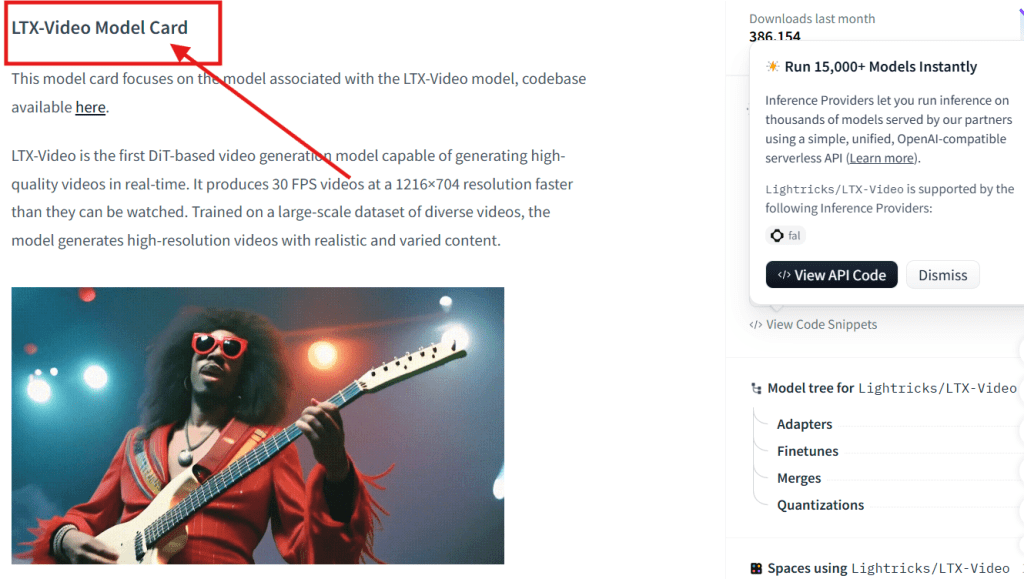
The fastest serious option on consumer hardware. The LTX Video model on Hugging Face runs on 8GB+ VRAM — the lowest barrier to entry of anything in this list. On my RTX040, a 5-second 768p clip generates in under 2 minutes. On 3080, around 6–8 minutes at lower resolution.
Quality ceiling is the trade-off. LTX Video is excellent for rapid prompt iteration — testing a direction, checking if a composition works, getting a rough before committing to a heavier model. Complex motion and fine texture detail are where it starts to show its limits. It’s the model I use when I’m testing, not the one I use when the output is going to a client.
For a deeper technical breakdown, see the dedicated LTX 2.3 guide.
Wan 2.1 / Wan 2.2 (Alibaba)
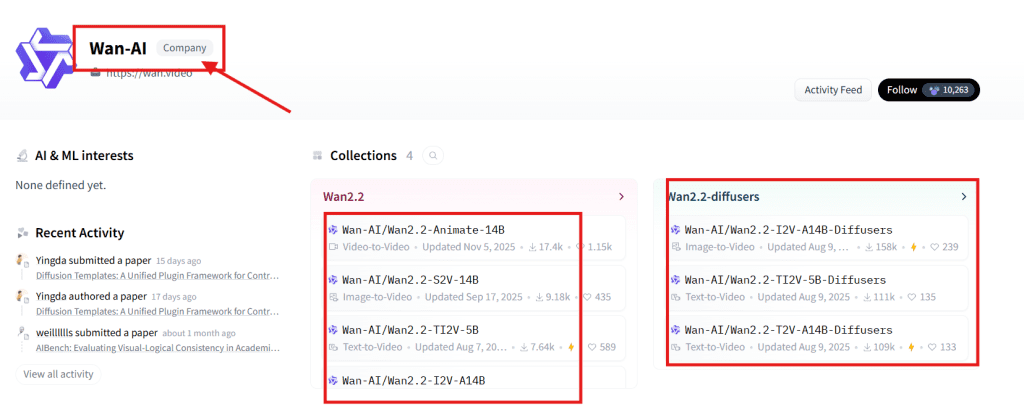
A significant step up in quality from LTX. The Wan-AI models on Hugging Face include both a 1.3B and a 14B parameter variant — the 14B is where the interesting quality lives, and it needs 16GB VRAM for comfortable inference (12GB with quantization and patience).
Motion quality is the standout. Camera movements — push-ins, pans, tracks — feel more physically grounded than LTX Video. Temporal consistency across a 5–8 second clip holds better. If you’re generating content where the camera is doing something intentional, the difference is visible.
On my 3080, the 14B model required FP8 quantization and generated in roughly 12–18 minutes per clip. Workable if you’re not iterating constantly. Genuinely slower than cloud.
For Wan-specific workflow notes and the Wan 2.2 changes, see the Wan deep-dive.
HunyuanVideo (Tencent)
The highest quality ceiling of the three main contenders. The HunyuanVideo GitHub repo documents a ~13B parameter model built specifically for video, with architecture choices that show in the output: human motion is more realistic, faces hold better under movement, and scene coherence across longer clips is stronger.
The catch is hardware. Comfortable inference on HunyuanVideo wants 24GB VRAM — it ran fine on my 4090, but on the 3080 it was either extremely slow or not running at usable quality without heavy quantization. If you’re below 16GB, this one isn’t worth the frustration yet.
For the full HunyuanVideo setup and generation guide, see the dedicated piece.
SkyReels V2
Different use cases from the three above. SkyReels V2 on GitHub is specifically designed for longer video generation — sequences beyond the 6–8 second range that most models handle — with extended temporal consistency built into the architecture.
If you need a 15–30 second output with consistent scene and character continuity, SkyReels is the most purpose-built open source option for that. More niche than the others, but meaningfully better at that specific job.
ComfyUI — The Frontend Everything Runs Through
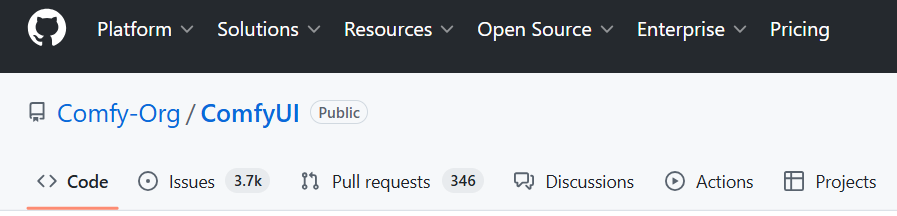
All of the above run best through ComfyUI. If you’re going to do local video generation seriously, learning ComfyUI isn’t optional — it’s where the model-specific custom nodes live, where the community publishes prebuilt workflows, and where you get the most control over the generation pipeline. Plan a few hours for first-time setup. Once it’s running, updates are fast and the community support is good.
Local Setup Trade-Offs
I’ll be direct here because most guides undersell the friction.
VRAM is a hard ceiling, not a guideline. There’s no software trick that makes a 14B model run well on 6GB VRAM. Quantization helps at the margins but costs quality. The practical VRAM requirements by model:
- LTX Video: 8GB minimum, 12GB comfortable
- Wan 14B: 16GB comfortable, 12GB with quantization trade-offs
- HunyuanVideo: 24GB comfortable, 16GB with visible quality cost
Generation speed on consumer hardware is slow relative to cloud. On my RTX 3080, a 5-second Wan 2.1 clip took 12–18 minutes at 720p. On 409, 3–5 minutes. If you’re running 20+ generations in a session, time adds up. Cloud tools generate the same clip in 30–90 seconds.
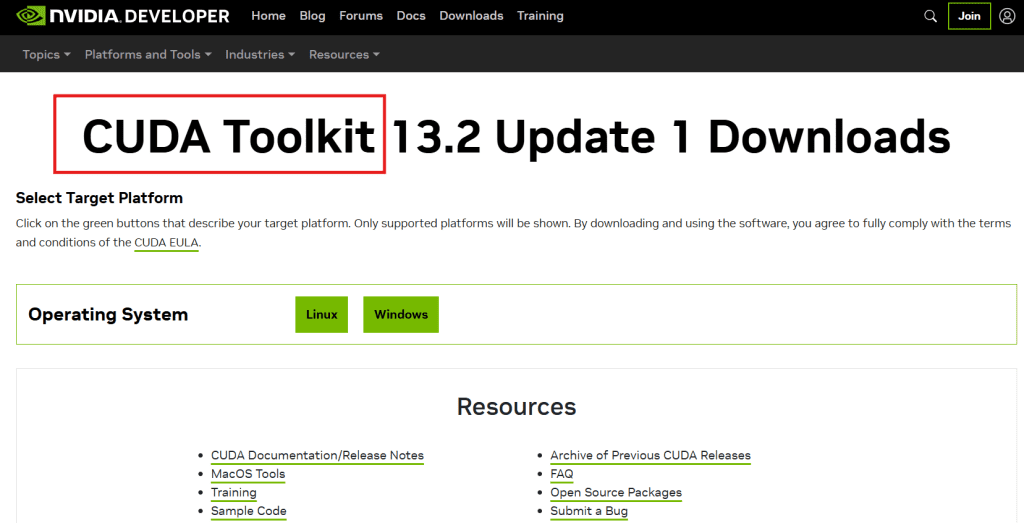
Initial setup is a half-day investment, minimum. Getting CUDA properly installed, Python environment configured, ComfyUI running, and model weights downloaded is not a click-and-go process. The first time takes 4–8 hours if you’re not already comfortable with Python environment management. It gets faster with practice, but the first time is genuinely a commitment.
What you get in return: unlimited generation volume, full content control, no data leaving your machine, and the ability to fine-tune on your own data. Those payoffs are real — they just require accepting the setup cost upfront.
Local vs Cloud
| Factor | Local | Cloud |
| Cost per generation | ~$0 after hardware | Per-credit, stacks at volume |
| Speed | Slower on consumer GPU | Generally faster |
| Quality ceiling | Competitive with mid-tier cloud | Top cloud tools still ahead |
| Privacy | Fully local, nothing uploaded | Content goes to provider servers |
| Setup friction | High — hours of initial work | Near-zero |
| Customization | Full pipeline control, fine-tuning | Platform-limited |
| Iteration freedom | Unlimited | Constrained by credits |
The break-even point depends on your volume. Running 3–5 clips a week, cloud is probably cheaper when you factor in hardware cost amortization. Running 20–40 clips a day for a project, the local economics look very different by month two.
Quality gap is real but narrowing. Wan 2.1 and HunyuanVideo produce output that’s competitive with mid-tier cloud platforms. Where cloud still leads: top-tier tools like Runway and Kling at their best, particularly on prompt adherence and visual polish in complex scenes. The local ai video generator experience isn’t “cloud quality for free” — it’s “good-to-competitive quality with different trade-offs.”
Who Should Use Open Source
Strong fit:
You have a GPU with 16GB+ VRAM (24GB opens the best models fully). You generate video at high volume — the setup cost amortizes quickly. You’re building a custom workflow, fine-tuning on proprietary content, or integrating generation into a pipeline. Privacy is a real constraint — content can’t go to external servers. You’re a developer using models via the ai video generator github or ai video model huggingface ecosystems directly.
Probably not the right fit:
You’re on a GPU below 8GB VRAM — even the smallest models are painful. You generate occasionally (a few clips per week) — the setup cost doesn’t pay off. You need a finished, supported product with a UI rather than a workflow you maintain yourself. You need output quality that competes with the absolute top of the cloud market and won’t accept any trade-off to get there.
The middle path: several cloud platforms now offer API access to open-source models like Wan and LTX Video. If you want the model quality without the local infrastructure, that’s worth looking at before committing to a full local build. You get the open source text to video model quality with cloud reliability.
FAQ
What is the best open source AI video generator in 2026?
No single answer — depends on hardware and use case. For low VRAM and fast iteration: LTX Video. For quality with 16GB+ hardware: Wan 2.1 or 2.2. For the highest quality ceiling when VRAM isn’t the constraint: HunyuanVideo. For sequences longer than 8 seconds with consistency: SkyReels V2. Match the model to your GPU and your output requirements.
Can I run an open source AI video model on my own GPU?
Yes, with the right hardware. LTX Video runs on 8GB+ VRAM. Wan 2.1 (14B) runs comfortably on 16GB and with quality trade-offs on 12GB. HunyuanVideo needs 24GB of full quality. AMD GPUs can work via ROCm but require more troubleshooting — NVIDIA is significantly easier for this workflow. Check the current README on each model’s ai video generator github repo for up-to-date requirements; numbers shift as quantization improves.
How much VRAM do local AI video models need?
The realistic floor is 8GB for LTX Video. For the higher-quality models — Wan 14B, HunyuanVideo — 16–24GB is the practical range for usable output. Quantized versions (FP8, GGUF) reduce requirements with a quality cost that’s noticeable at lower bit depths. If you’re buying hardware specifically for local video generation, 16GB is the minimum for a meaningful model selection; 24GB runs everything currently available without compromise.
Is open source AI video better than cloud tools?
Not across the board. The best open source models produce output competitive with mid-tier cloud tools. Top cloud platforms still have an edge on visual polish and prompt adherence in complex scenes. The real advantages of open source aren’t purely about quality — they’re about cost at volume, privacy, and customization depth. For some workflows those advantages are decisive; for others they aren’t worth the setup overhead.
The open source ai video generator landscape moved faster between 2024 and 2026 than most people expected. Models that required research-grade hardware 18 months ago now run on a mid-range consumer GPU. The quality floor is high enough for real production work. The ceiling keeps rising.
If you have the hardware and the tolerance for a real setup day, it’s worth building the infrastructure now. If you’re below 12GB VRAM or generating infrequently, honest advice is that cloud tools are still the more practical path — and the open source ecosystem will still be here when your hardware situation changes.
What GPU are you running, and which model are you using? Drop it in the comments — I’m building a hardware compatibility reference and want more data points beyond my own two machines.
Previous Posts