
A content team sent me a storyboard draft last week that looked clean until we zoomed in. The scene labels were fuzzy, the UI panels did not match the product, and the “multilingual” poster had text that only looked right from far away. Pretty image. Weak production asset.
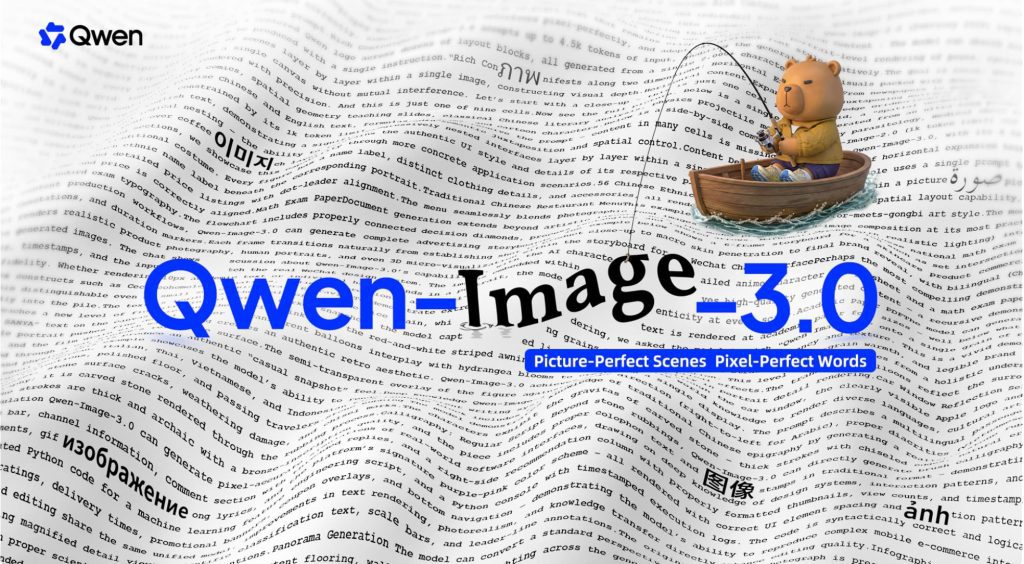
That is why Qwen Image 3 is worth watching. Alibaba’s Qwen team released Qwen-Image-3.0 on July 21, 2026, with a clear theme: Rich Content, Authentic Details, and Deep Knowledge. The important shift is not just better-looking images. It is the push toward dense, useful visual assets that creators can actually plan around.
This article separates official Qwen claims from production advice. It is not legal advice. Commercial use, data handling, licensing, and client delivery should be checked against Qwen and platform terms before production.
What Qwen Image 3.0 Is
A Third-Generation Model for Complex Visual Content
Qwen describes Qwen-Image-3.0 as the third-generation foundational image generation model in the Qwen-Image series. The official launch frames its theme as “Real,” expressed through rich layouts, fine details, and broader knowledge.
That matters for creators because many visual jobs are no longer simple poster prompts. Teams need image assets that can hold text, grids, UI screens, storyboards, educational layouts, product explainers, and campaign concepts without collapsing into visual noise.
Official Release and Current Access
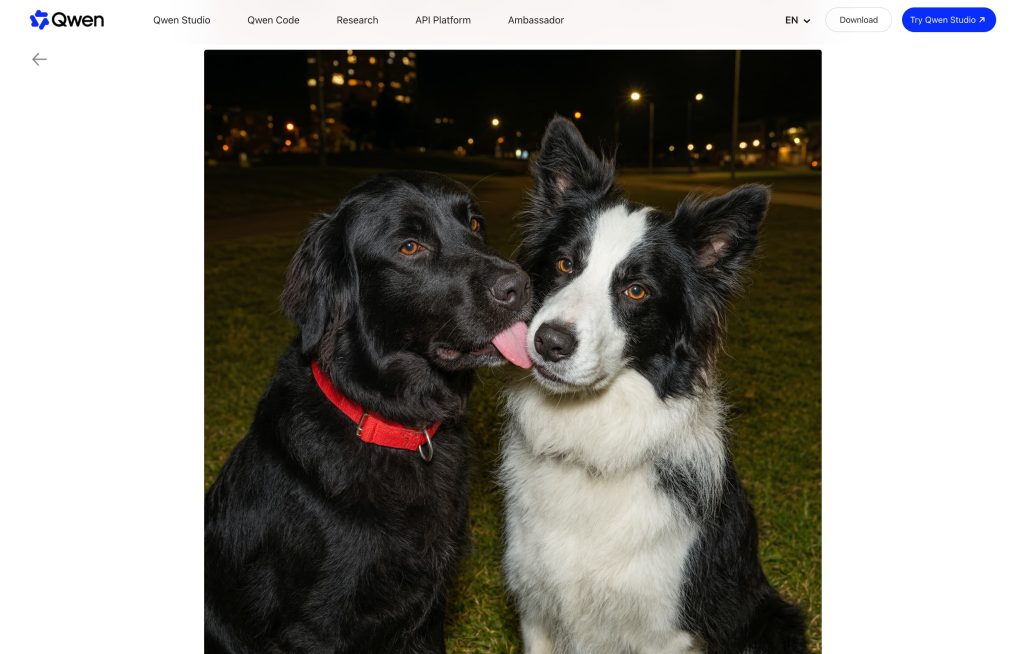
For the primary source, use the official Qwen release, Qwen-Image-3.0: Rich Content, Authentic Details, Deep Knowledge. It gives the clearest public framing of the model’s stated focus and examples.
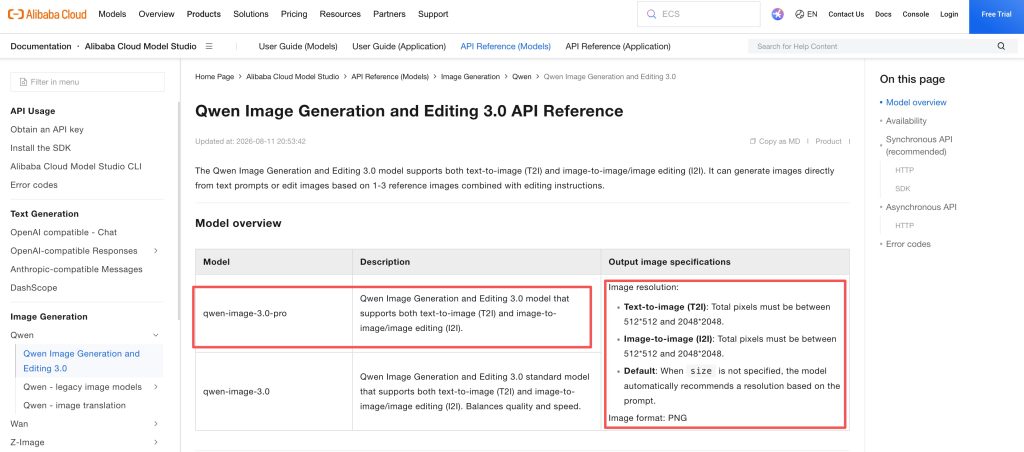
For production access, Alibaba Cloud’s Qwen Image Generation and Editing 3.0 API reference lists qwen-image-3.0-pro and describes text-to-image and image editing support. It also notes limited preview access, so teams should not assume open availability everywhere.
What Changed in Qwen Image 3.0
Rich Content for Dense Layouts and Storyboards
The official Qwen article highlights support for long, complex instructions up to 4.5k tokens. It uses examples like newspapers, storyboards, exam papers, nested interfaces, and multi-cell infographics.
For creators, the most practical implication is planning density. A short-drama team could rough out multiple frames in one board. A marketer could explore campaign layouts with product panels, captions, and scene notes. An educator could test knowledge visuals before handing them to a designer.
Do not overclaim from one sample. Treat this as Qwen’s official capability direction, not proof that every dense layout will be production-perfect.
Authentic Details for Text and Fine Visual Elements
Qwen’s launch also emphasizes small text rendering and micro-level visual detail. The official claim includes text as small as 10px, plus fine details such as pores, hair strands, textures, and document-like layouts.
This is where the Qwen Image model becomes interesting for interface mockups, product visuals, thumbnails, and ad concepts. In my own review workflow, the first thing I would check is not whether the image looks beautiful. I would zoom into text, buttons, labels, chart legends, and product UI. Small failures often become expensive later.
Deep Knowledge Across Languages and Interfaces
The third official focus is Deep Knowledge. Qwen says the model supports native rendering across 12 languages, multiple fonts, many artistic styles, and mainstream interfaces such as web pages, games, and livestreams.
That gives Qwen image generation a stronger fit for global creator workflows: multilingual posters, regional campaign drafts, UI-rich product explainers, and knowledge-heavy visuals. Again, the right posture is careful attribution. These are Qwen’s official statements, not independent benchmark results from this article.
Where Qwen Image 3.0 Fits in Creator Workflows
Storyboards, Infographics, and Campaign Assets
The best early fit is visual planning. Use Qwen Image 3.0 for storyboards, dense infographics, product concept boards, ad layouts, social visuals, and UI-heavy references. It may be especially useful when a project needs text and structure, not just mood.
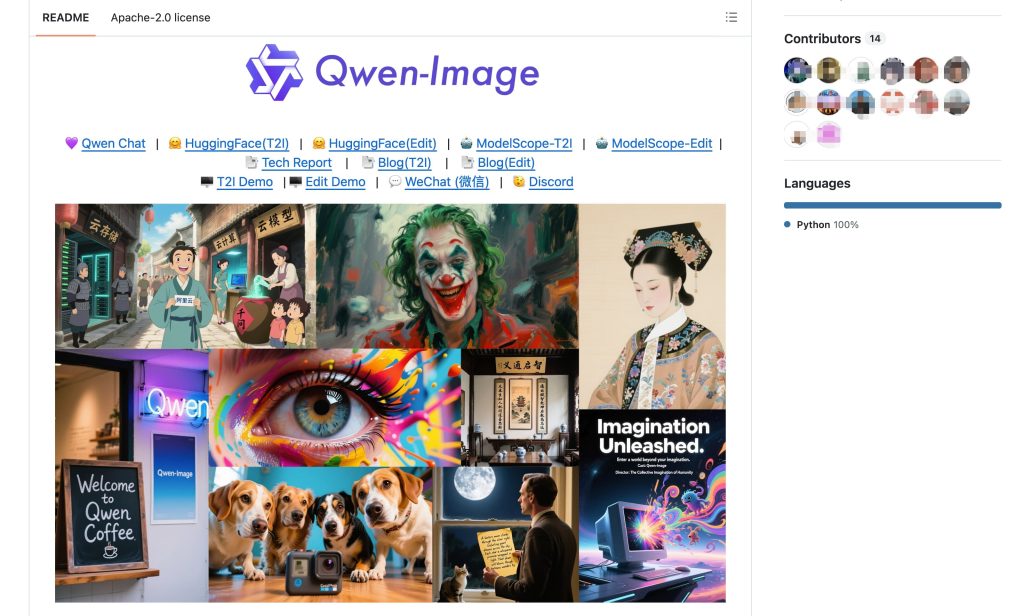
The GitHub repository for Qwen-Image is also useful background for the broader family, including its positioning around complex text rendering and precise Qwen image editing. But teams should still verify which version they are using, because Qwen Image 3.0 access and behavior may differ from earlier public weights or demos.
Moving Approved Images Into Multi-Scene Video
A strong image is not a video plan. Once an image is approved, creators still need scene order, motion notes, narration, transitions, and export requirements.
For multi-scene video, I would treat Qwen outputs as references: scene cards, product frames, UI concepts, or storyboard panels. Then the video team can decide which images become shots, which stay as mood references, and which need designer cleanup before animation.
What Creators Should Verify Before Production
Access, Terms, Output Requirements, and Reproducibility
Before client work, verify the exact model name, access path, preview status, output requirements, editing range, pricing, license, and data policy. If you cite benchmark claims, cite Qwen or Alibaba directly and record the date checked.
Reproducibility is another issue. If a draft was made with preview access, save the version name, generation date, source brief, approval status, and whether the asset can be reused after model access changes.
FAQ
How can readers tell an official Qwen announcement from a rumor?
Start with Qwen’s own domain, Alibaba Cloud documentation, official GitHub repositories, or verified Qwen social channels. Community posts can be useful leads, but they should not be treated as source material for model claims.
Where should teams record the exact Qwen model version?
Record it in the project brief, asset archive, and final delivery notes. Include model name, access platform, date, and whether the output came from generation or editing. This prevents old drafts from being mistaken for current-model results.
What should happen to drafts made with a preview model?
Label them as preview-model drafts. Before using them in client work, verify whether the same model version is still available and whether preview terms allow the intended use. If not, regenerate, replace, or escalate.
How should creators cite Qwen benchmark claims?
Cite the official Qwen or Alibaba source, name the benchmark or claim, and avoid turning a launch example into a universal quality promise. If the result is not independently tested by your team, say so.
Who should approve a new image model for client work?
The creative lead should approve quality fit, while the production or legal owner should review terms, data handling, commercial use, and archive rules. New image models should not enter client workflows just because one draft looks good.
Conclusion
Qwen Image 3 is a major post-launch model update because it targets creator problems that ordinary image models often struggle with: dense layouts, fine text, multilingual visual assets, and interface-heavy scenes.
For teams, the safest takeaway is practical. Use Qwen Image 3.0 as a serious visual planning tool, verify every official claim before production, and keep model version records with every approved asset. A good image model can speed up creative work, but only a careful workflow turns that output into something client-ready.
Previous Posts:


[…] for Video Creators: What We Know What Is Qwen Image 3? Alibaba’s New AI Image Model Explained Script Visuals for AI Generation Workflow How Creators Use Seedance to Make AI Videos AI […]