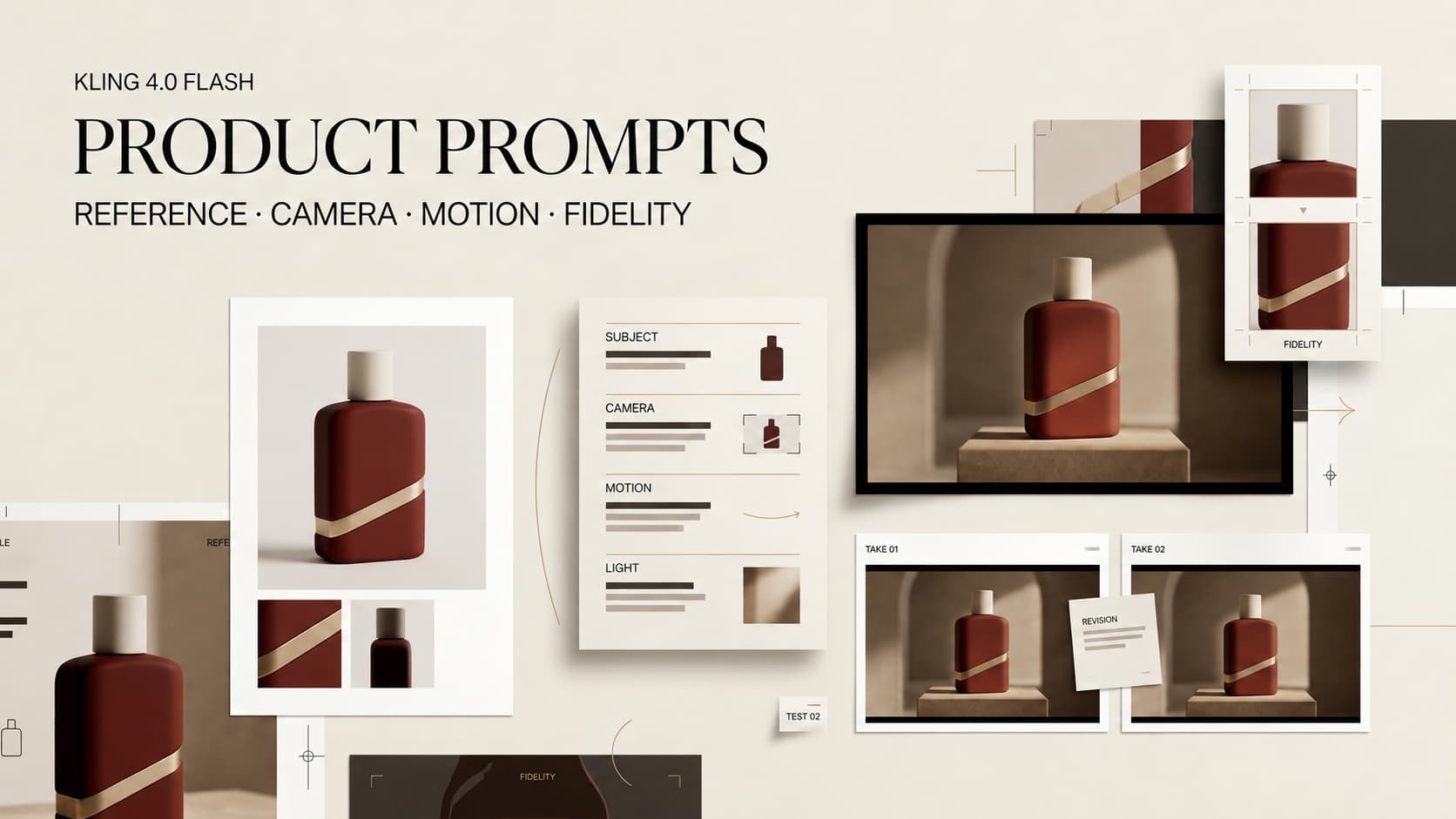
The troublesome frame in a product ad is often the prettiest one: dramatic light, smooth camera movement, and a bottle with the wrong cap. Kling 4.0 Flash prompts need one shot and a few non-negotiable product details. The fictional bottle below is an illustration, not a tested output.
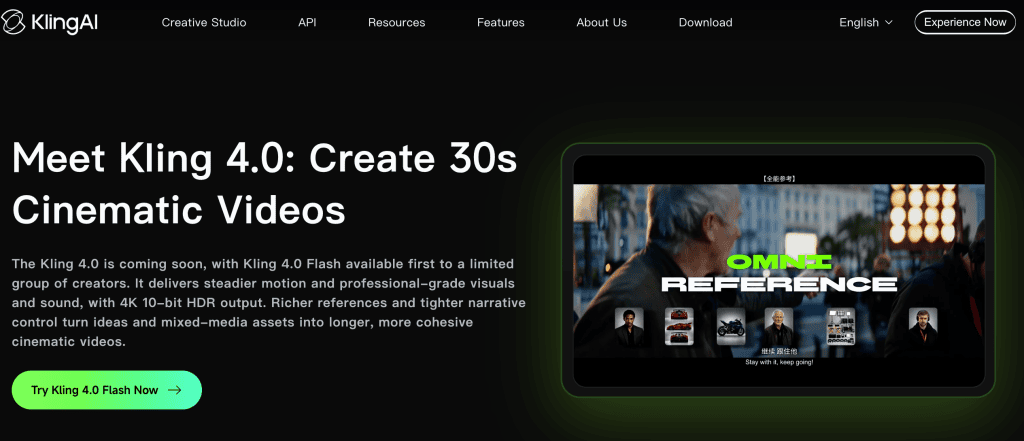
As checked October 3, 2026, Kling 4.0 Flash is in limited rollout for Ultra Yearly subscribers. Its published feature subset covers text-to-video, image-to-video, and Omni Reference, up to 20 seconds at 720p. The full model’s keyframes, longer duration, and 4K output do not apply to Flash.
Choose One Product Shot and Conversion Goal
For a landing-page clip, show the bottle fitting into a bag pocket. For a feed ad, make its black cap and sage-green body recognizable before a viewer scrolls. Choose one job. A pocket demonstration, rotating reveal, pouring scene, and offer belong in separate decisions.
A prompt can’t promise conversion. Set an observable goal: by the last frame, the product and its intended feature are visible. Frame for the placement too; a vertical crop may hide the cap even when the wide render looks fine.
Lock the Product Facts Before Writing
Separate Visual Identity From Marketing Claims
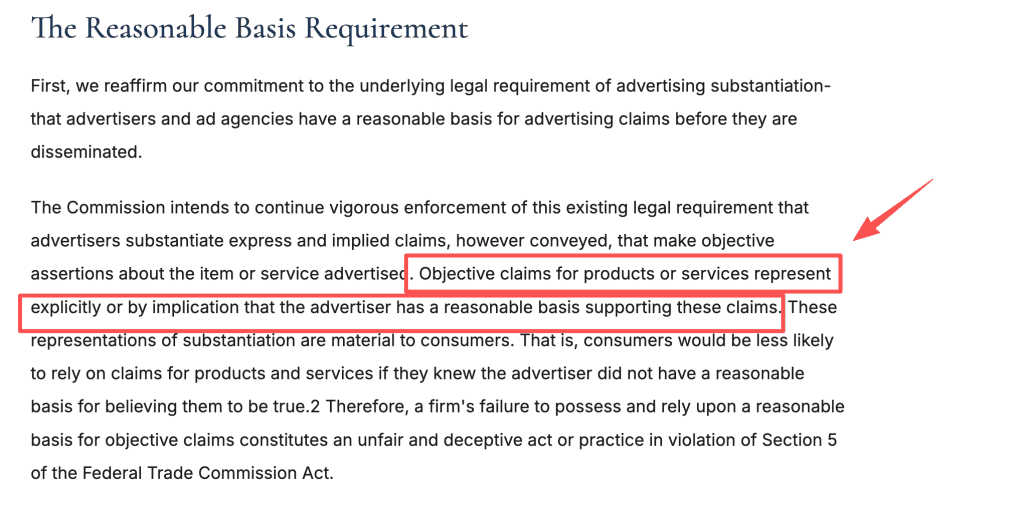
Separate appearance from evidence. “Matte sage-green body, straight sides, black screw cap” directs the shot; “keeps drinks cold all day” makes a performance claim the model cannot prove. In US advertising, objective claims need a reasonable basis before publication. Check your target market too.
Get permission for any real product photo or mark. Compare the output with the sellable product, not just the prompt.
List the Details That Must Not Change
For this bottle, freeze cap shape, body color, shoulder profile, and the absence of a logo. For a real SKU, keep an approved packshot and packaging artwork beside the draft. The reviewer needs a source of truth beyond the prompt. Leave measurement marks for approved artwork unless generated details survive inspection.
Build a Focused Product Video Prompt
Describe Product, Setting, Action, and Camera
An AI product shot prompt needs a subject, action, setting, and camera intention. Try this original direction for the fictional bottle:
One unbranded matte sage-green bottle with straight sides and a black screw cap sits on a clean kitchen counter. A hand turns it a quarter turn. The camera stays at bottle height and moves in slightly. Soft morning light. Keep the bottle’s shape, color, and cap unchanged. End with the bottle fully visible.
This commercial AI video prompt describes camera intent; it does not assume a separate Flash camera-control setting. The quarter-turn adds motion while keeping the silhouette inspectable. Another action would weaken that test.
Use One Clear Visual Priority
Make the bottle the priority. A fast spin and shallow focus fight a readable label. Where your account accepts an approved image, use it to guide appearance, then inspect every frame; a reference does not guarantee fidelity.
Adapt the Prompt to Common Product Shots
Write a Reveal or Hero Shot
For a hero shot, change the action: “Move slowly from the bottle’s base to its black cap while the bottle stays still. End on a full, centered view.” Add exact logos or copy separately if generated text fails review.
Write a Use-Case or Detail Shot
For use, try: “A hand places the same bottle into a plain canvas bag’s side pocket. Hold long enough to see the fit. Keep the cap closed.” The shot cannot prove durability, insulation, or leak resistance.
Review Product and Brand Fidelity
Check Shape, Label, Color, and Claim Accuracy
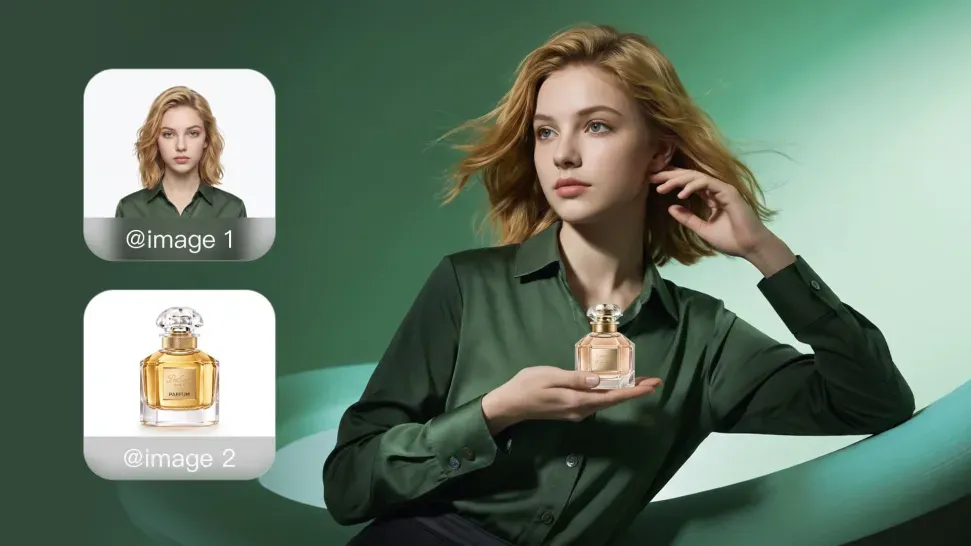
Compare the start, midpoint, and final frame with the approved source: cap, silhouette, color, label, and hands. Then watch in motion. A clean first frame can hide invented lettering later. Check packaging text and final crops where viewers will see them. Separate a fixable crop from a warped bottle; the latter calls for another take.
Reject Attractive Results That Misrepresent the Product
Reject a cap that becomes a pump, an invented ingredient, or an impossible demonstration. A beautiful render can still be a bad ad. Review against the approved packshot, not another generated variant that may share the same error. Note the defect so the next revision does not repeat it.
Revise the Prompt Without Expanding the Scene
Change one instruction at a time. If the cap drifts, restate its shape and reduce motion; keep the setting. If type is illegible, steady the framing or add verified text in editing. This Kling early access workflow should produce a reviewable shot, not a longer prompt after every failed take.
Limits of Prompt-Only Product Control
The published Flash specifications do not promise exact logos, color, or geometry through motion. Nor do they establish Flash-specific reference counts, negative prompts, or seed reuse. Do not borrow full-4.0 figures or assume Flash accepts a product reference video because full 4.0 discusses video references.
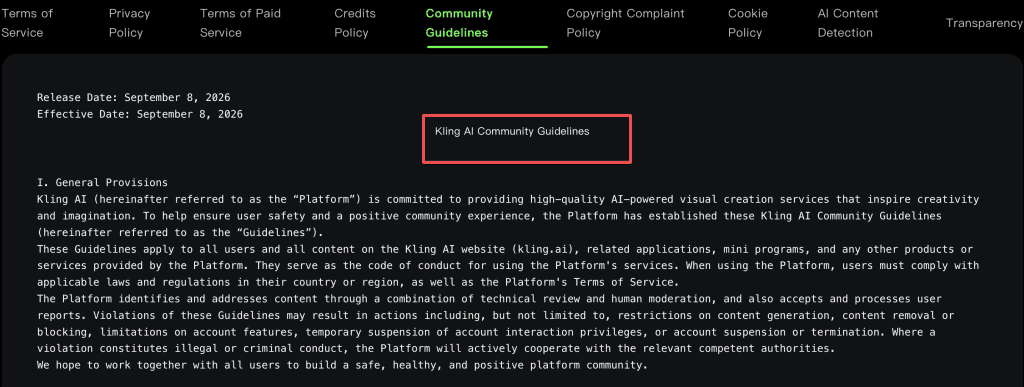
Before client delivery, compare general-use restrictions with paid-member commercial rights; they describe permissions differently. Also check Kling’s rules against misleading content, credits, watermark, and data handling for your account. This is not legal or licensing advice.
FAQ
How many product references can Kling 4.0 Flash accept?
Omni Reference is listed for Flash, but no Flash-specific maximum is published. Do not assume the full model’s larger limit applies. Check your account.
Does Kling 4.0 Flash support negative prompts?
Official Flash materials reviewed here do not specify a separate negative-prompt control. Check your interface; otherwise write short exclusions in the main direction.
Can creators reuse a seed for product-shot variations?
No Flash-specific seed behavior was confirmed. Save prompt, reference version, model selection, and date, but do not promise reproducibility.
How does the model handle small packaging text?
Clearer text is a full-4.0 claim, not a Flash guarantee. Review small type at delivery size; use approved artwork if exact words matter.
Which product categories face additional policy limits?
Regulated or age-restricted goods face additional laws and ad-platform rules. Kling bars misleading content and fake brand partnerships, but its Flash announcement has no category-by-category permission list. Check your product and placement.
Conclusion
Kling product video prompts work best when one shot has one job and reviewers can name why it passes or fails. Flash offers a way to explore it during limited access. The team still calls product accuracy.