
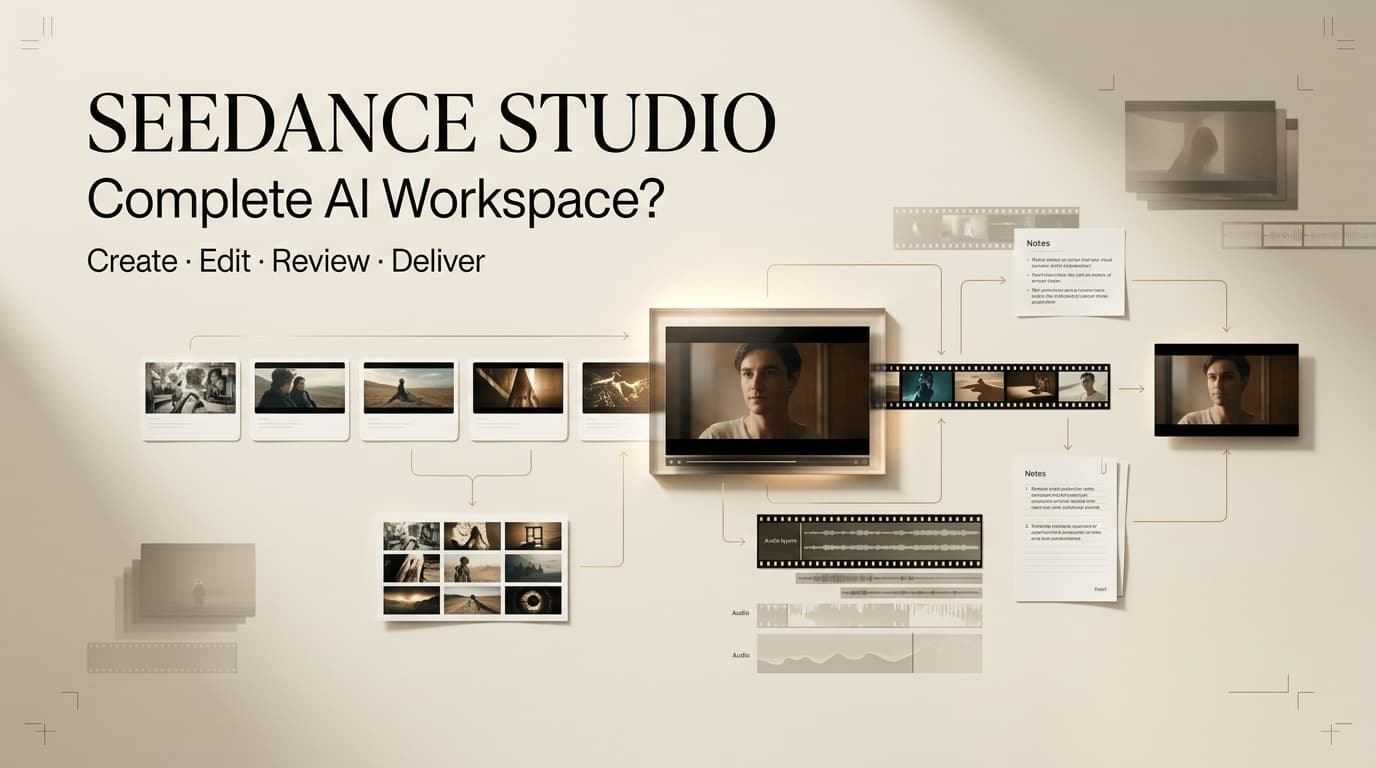
This Seedance Studio review is for creators who want an AI video workspace, not another confusing model-name rabbit hole. The first adoption question is identity. Seed Dance Studio is a third-party workspace at seeddance.studio, while ByteDance Seedance is a separate model family. That distinction matters before a team pays, uploads client references, promises delivery timelines, or treats a generated draft as campaign-ready video.
Quick Verdict for Video Creators
Seed Dance Studio may be useful for independent creators, MCNs, and small brand teams that want prompt-led video drafts, reference testing, and faster iteration in one browser workspace. The public site presents Seedance 2 Fast, Seedance 2, reference inputs, review loops, and multiple model options, so the appeal is convenience. The caution is just as important: this is not ByteDance’s own Seedance product surface. It is an independent service using model names as generation options or market context. Treat this Seedance Studio review as an adoption framework, not a hands-on benchmark.
Identify the Product Before You Choose It
Product identity is the first safety check because “Seedance Studio features” can mean the independent workspace, the models available inside it, or ByteDance Seedance model capabilities. Those are not the same thing.
Seed Dance Studio as an Independent Service
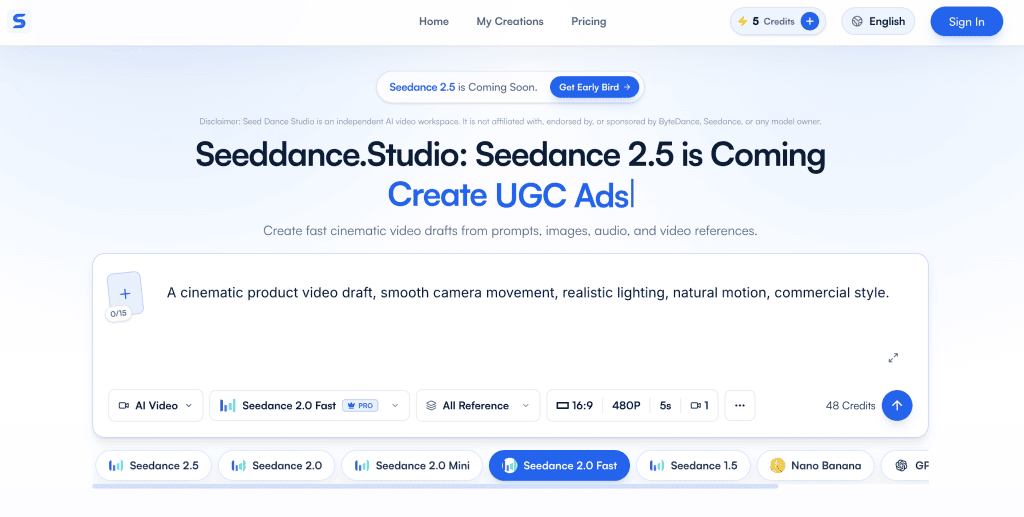
The current site includes Seed Dance Studio independent service wording that separates the workspace from ByteDance, Seedance, and model owners. Its terms repeat that independence and frame model names as generation options, search topics, or public market context. That means teams should not describe it as ByteDance Seedance Studio in briefs, invoices, or client-facing reports. A cleaner label is “Seed Dance Studio, an independent AI video workspace,” followed by the model used inside the project record.
The Difference Between the Workspace and ByteDance Seedance Models
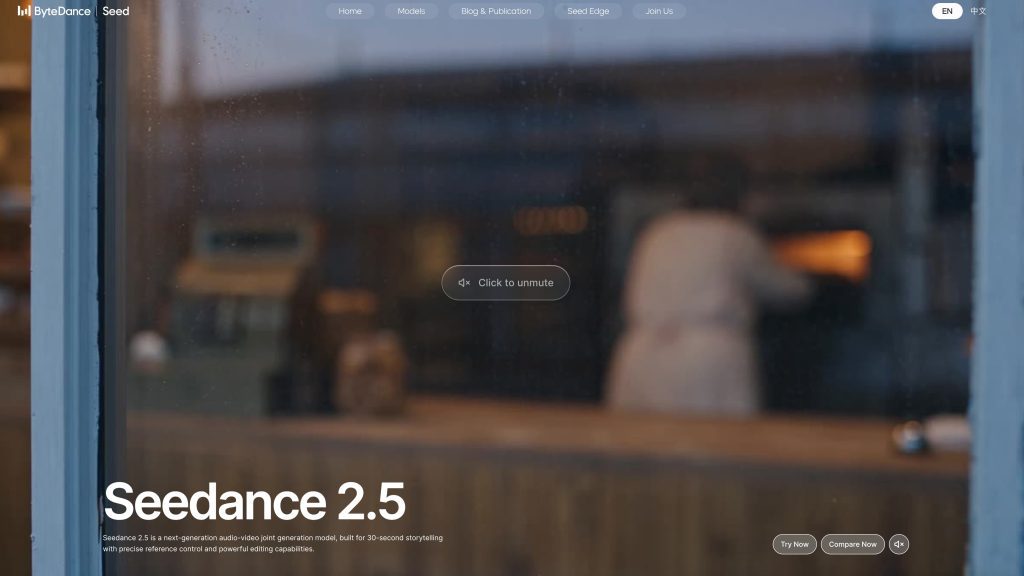
ByteDance’s own Seedance model materials describe model capability, not third-party workspace operations. ByteDance Seedance 2.5 model capabilities include 30-second storytelling, reference control, editing capabilities, white-model control, and green-screen editing. ByteDance Seedance 2.0 model capabilities cover text, image, audio, and video inputs with audio-video joint generation. Those claims help explain the model family, but they do not verify Seed Dance Studio pricing, account rules, refunds, privacy, or support.
Review the Workflow From Brief to Draft
For Seedance Studio for creators, the useful test is whether the workspace reduces daily friction. A complete workspace should help move from brief to draft without losing prompt history, reference assets, model choice, version notes, and approval context.
Prompts, References, and Model Selection
The public workflow describes prompts, image references, audio context, and model selection for fast drafts or more careful reference testing. In a real adoption review, I would not start with the prettiest demo. I would run the same product, creator, or scene brief through two or three model choices, then compare prompt adherence, reference accuracy, motion stability, and time to a reviewable draft. The winning workspace is not the one with the longest model list. It is the one that makes model choice understandable for non-technical producers.
Drafting, Iteration, and Asset Organization
A workspace becomes useful when iteration stays organized. If a producer generates five versions of the same scene, the team needs to know which prompt changed, which reference asset was used, which export went to the client, and why earlier clips were rejected. Seed Dance Studio presents itself around fast review loops, but teams should verify whether their own account can preserve enough project context for repeat work. If all draft decisions still live in Slack messages or file names, the workspace is only solving part of the production problem.
Evaluate Production Fit
Production fit is different from generation access. A creator can make a good clip and still struggle to deliver a campaign, music video insert, UGC ad, or product teaser.
Output Controls and Review Loops
Output controls should match the work. Short-form teams usually need aspect ratio choices, duration options, reference handling, watermark status, visible text review, and predictable retake behavior. For paid work, the review loop should separate internal experiments from client-approved drafts. When I review AI video workspaces, I look for boring details: version names, rejected asset notes, export settings, and whether a producer can explain why draft three replaced draft two.
Export, Handoff, and Editing Needs
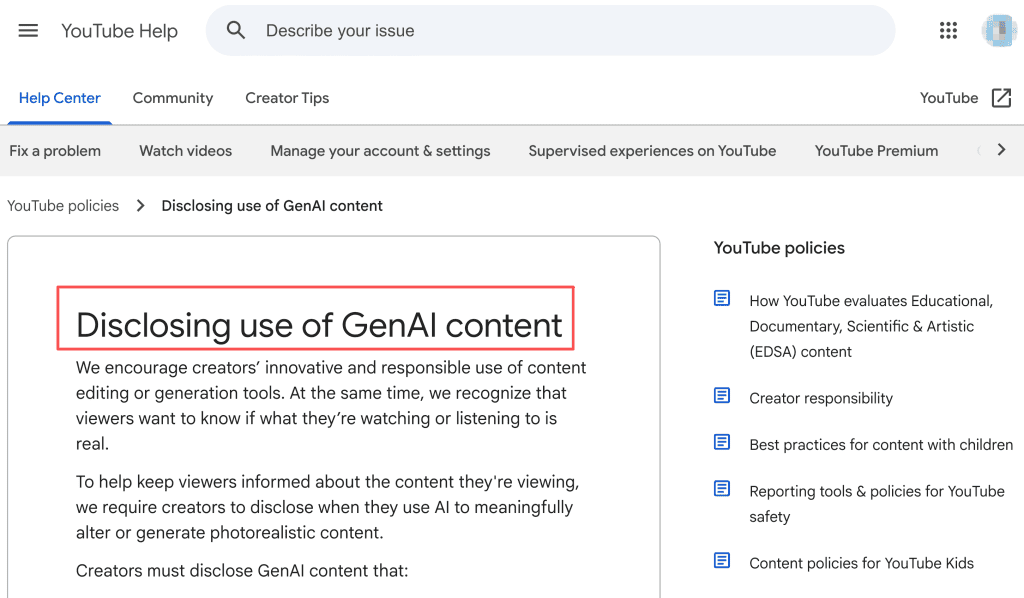
Seed Dance Studio may help generate video drafts, but it should not be treated as a complete post-production system unless the team verifies editing depth, export formats, storage behavior, and collaboration controls. Most teams will still need external editing for captions, sound mix, color matching, brand end cards, product disclaimers, thumbnail selection, and platform-specific exports. For realistic synthetic media, YouTube altered content disclosure requirements can affect publishing review even after a clip looks finished.
Check Costs, Rights, Privacy, and Support
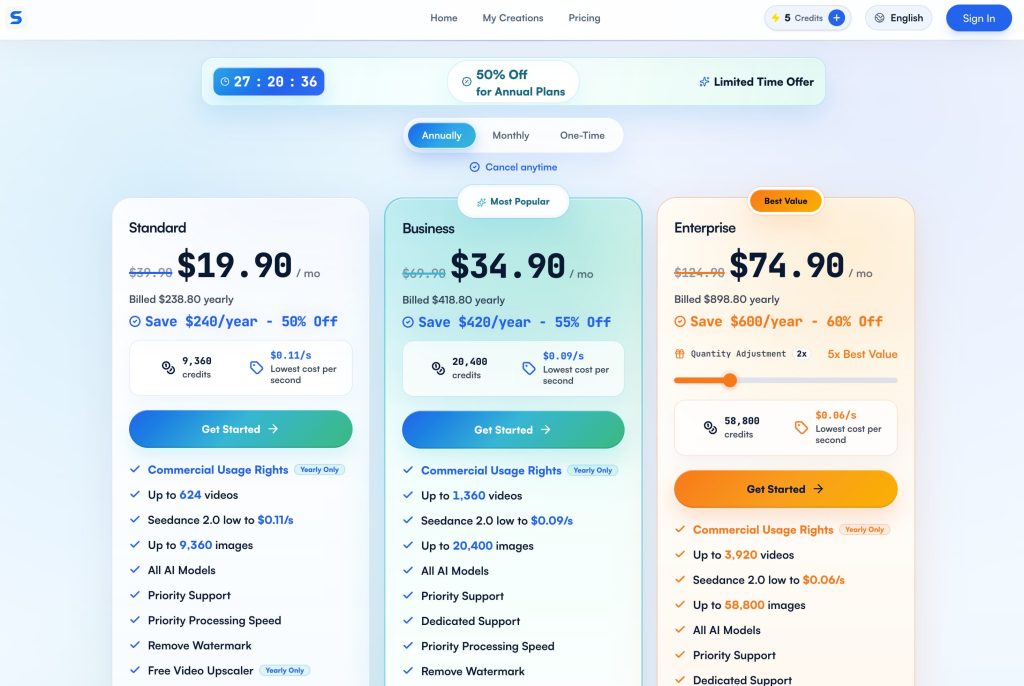
Seedance Studio pricing needs current account-level verification before purchase. The visible Seed Dance Studio pricing details include subscriptions, one-time options, credits, commercial-use language tied to paid plans, watermark removal, trial credits, and model-dependent costs. Those details can change, so teams should capture the plan view on the purchase date and avoid putting fixed prices into client proposals without rechecking.
This article is not legal or license advice. Content rights, commercial use, privacy, refunds, and platform rules depend on the current terms, actual authorization files, and applicable law. Seed Dance Studio usage terms place responsibility on users for prompts, uploads, reference materials, outputs, and use of results. They also prohibit pornography, sexual content, non-consensual intimate imagery, sexual deepfakes, sexualized depictions of minors, impersonation, privacy-invasive content, and safety bypassing. For copyright-sensitive projects, U.S. Copyright Office guidance on AI and copyright is a useful reference when teams document source assets and human contribution.
Who Should Try It and Who Should Wait
Seed Dance Studio is worth trying for creators who need quick visual drafts, reference-led scene tests, and a simple place to compare model outputs. It may fit small teams that do not want to assemble a technical pipeline before making a first cut. Teams should wait if they need enterprise procurement, deep privacy review, exact model provenance, strict client data controls, guaranteed support response times, or legal certainty around every commercial output.
Limits and Trade-Offs
The main trade-off is convenience versus certainty. A third-party Seedance AI workspace can reduce workflow friction, but it also adds questions about upstream model access, service continuity, privacy handling, commercial terms, refunds, and support. If a project involves unreleased products, talent likenesses, confidential campaigns, regulated claims, or paid media at scale, adoption should include a written test record. The safest review measures usable drafts, not demo quality: how many drafts reached review, how many were rejected, what failed, what required manual editing, and whether the team could reproduce the result.
FAQ
How should teams label files created through an independent Seedance service?
Use a label that separates the workspace from the model. A practical file name can include project name, workspace name, selected model, version, date, and approval status. Avoid labels that imply ByteDance created, endorsed, or delivered the file.
What project records should creators keep after delivery?
Creators should keep the final export, source prompt summary, reference-asset approvals, model selection, draft history, rejection notes, rights review, client approval, and delivery date. These records help if a client later asks how a visual was made.
Who should approve a model change during production?
A producer or creative lead should approve the change, and legal or brand review should join when the model affects likeness, product accuracy, rights, or disclosure. Model changes should not happen silently after client sign-off.
How should agencies document client-approved reference assets?
Agencies should store the asset, approval date, permitted use, campaign scope, allowed edits, expiration limits, and contact owner. The record should show that the reference was approved before generation, not after a usable draft appeared.
When should a team repeat its adoption review?
Repeat the review after pricing changes, terms updates, new model additions, failed exports, support issues, privacy concerns, or a shift from internal experiments to client production. A tool that works for tests may not be ready for paid delivery.
Conclusion
Seed Dance Studio can be a useful independent workspace for prompt-led clips, reference-guided drafts, and fast creative review. It is not the same as ByteDance Seedance, and its platform claims should be checked separately from the model family’s capabilities. The right adoption question is whether it improves your daily production workflow while giving the team enough clarity on cost, rights, privacy, review, and handoff. If those records are weak, keep it in the testing lane before making it a standard client tool.



[…] Seedance Studio Review: Is It a Complete AI Workspace? How Creators Use Seedance to Make AI Videos LTX-2.5 Review 2026: Is Native Multi-Shot Useful? AI Video Review Checklist Before Export What Is Qwen Image 3? Alibaba’s New AI Image Model Explained […]
[…] Review 2026: Is Native Multi-Shot Useful? Seedance Studio Review: Is It a Complete AI Workspace? Seedance Studio vs Higgsfield Cinema Studio AI Video Review Checklist Before Export AI Video […]
[…] Studio vs Higgsfield Cinema Studio Seedance Studio Review: Is It a Complete AI Workspace? How Creators Use Seedance to Make AI Videos LTX-2.5 Review 2026: Is Native Multi-Shot Useful? […]