A short-form AI video can look impressive and still fail the edit: the product turns away just as its label should appear. This guide plans one usable shot rather than a finished social video. It is based on current public information, not a hands-on test. The example below is hypothetical.
Confirm Current Access Before Planning the Shot
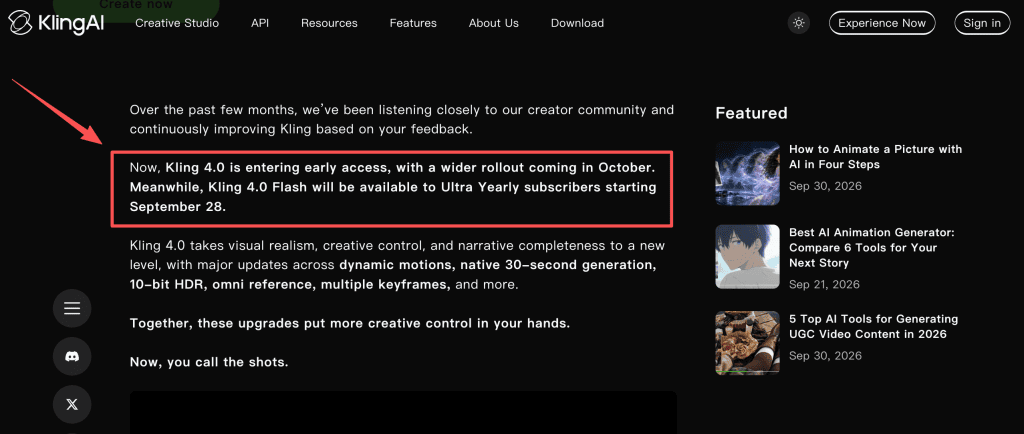
As checked on October 2, 2026, Kling 4.0 Flash early access is available to Ultra Yearly subscribers, while a broader Kling 4.0 rollout is scheduled for October. Confirm that “4.0 Flash” is selectable in your account before planning around it; availability may vary. If it is absent, keep the shot plan, but do not label an older model’s output as Flash. Save the selected model name with the task.
Define One Short-Form Shot
Set the Hook, Main Action, and End Beat
For social video shot planning, write three beats. In a hypothetical tote-bag ad, the bag appears, a hand lifts it from a chair, and its logo faces the camera. That is one action, not three scenes or three pinned keyframes. Decide what the editor needs at the end: a brief logo hold, for example, leaves room for a final line of copy.
Choose a Practical Duration and Aspect Ratio
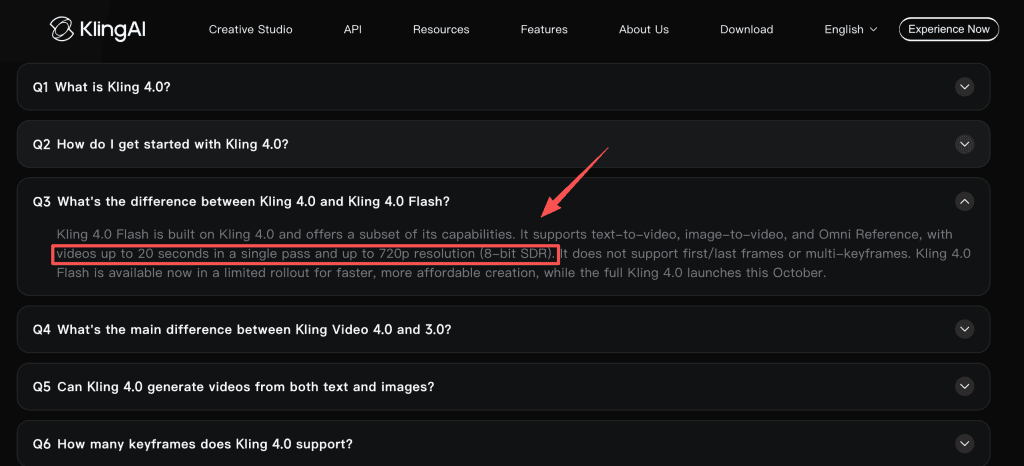
Try seven seconds: enough room for the lift without letting the shot drag. That is a planning choice, not a Kling preset. Flash is documented for clips of up to 20 seconds at up to 720p, but confirm the duration and aspect-ratio choices in your account. For vertical delivery, leave space for captions and cropping. Do not assume Flash shares the full Kling 4.0 format menu. If the available ratio does not suit the destination, test the crop before committing to the shot.
Prepare the Visual References
Use Only Approved Character or Product Assets
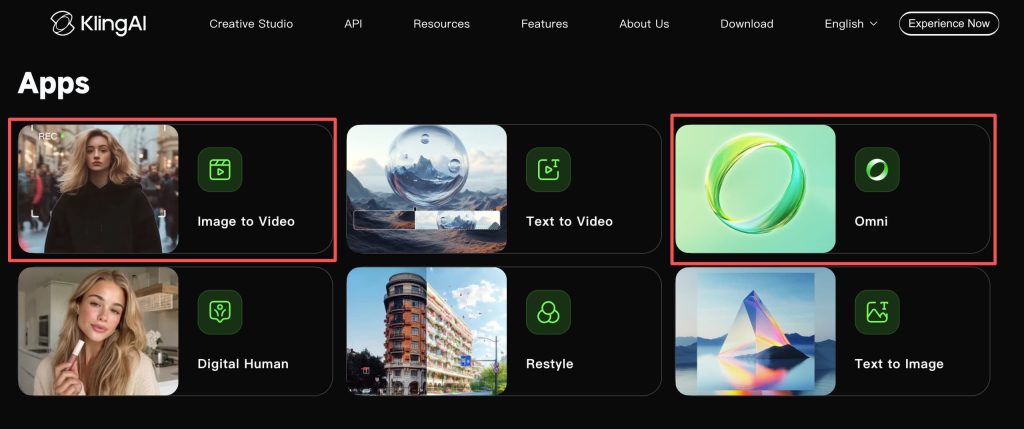
An approved product image gives the team a clearer visual target than a paragraph of color adjectives. Record the photo’s source and permissions for the logo and any human reference. Do not upload unreleased product photography until the team has approved the upload and checked current data-handling terms. Flash supports image-to-video and Omni Reference, but those reference options do not grant rights to the assets you provide.
Remove Inputs That Compete for Control
Keep the approved bag image and a simple scene description in the active brief. If two references disagree on strap color, resolve that before generating. Conflicting lighting or camera directions create the same problem. Set rejected references aside so the next attempt has one clear visual target.
Direct the Motion and Camera
Describe One Main Movement
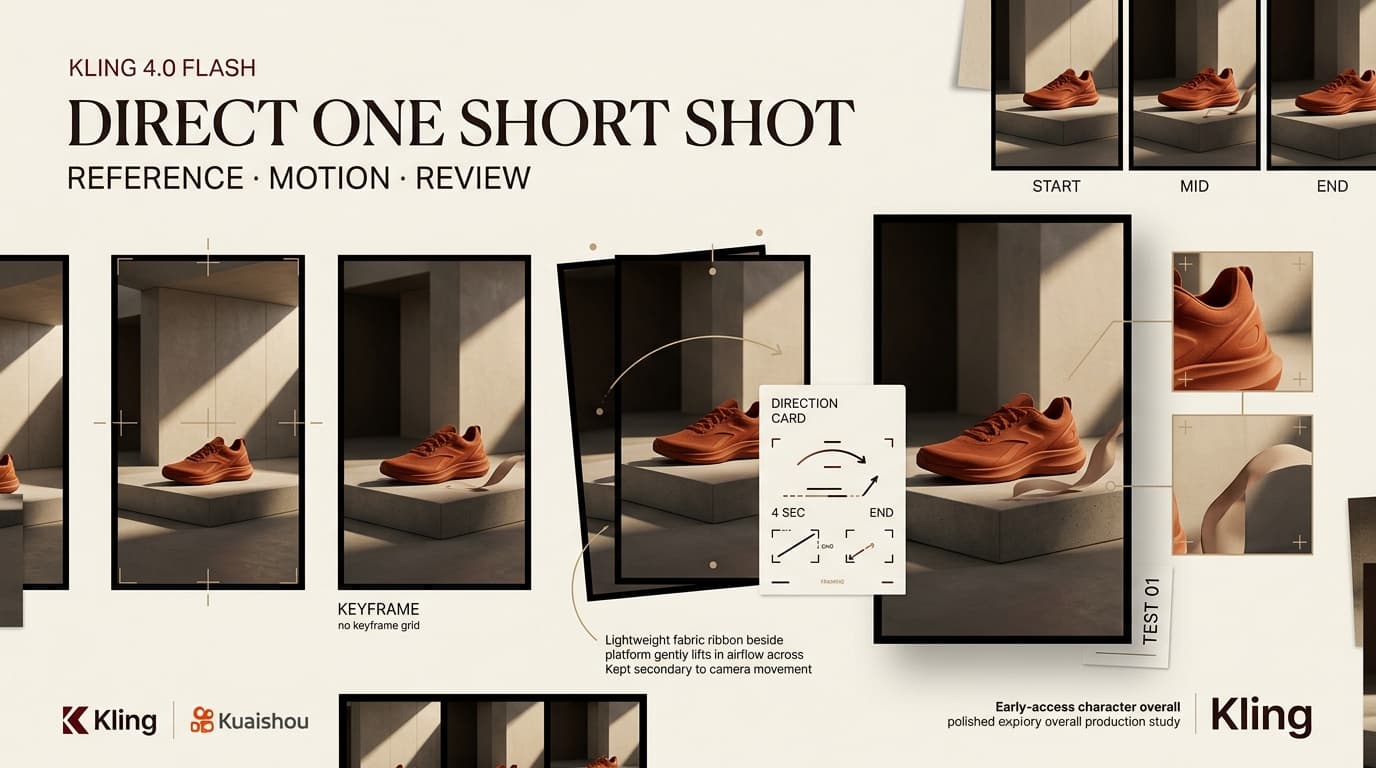
Ask for the hand to lift the bag until the logo faces front. Keep the product’s shape stable. Do not pile a zoom, background change, and fabric transformation onto the same lift. The direction should make the critical action easy to judge: “A hand lifts the approved tote bag from the chair; keep the logo facing camera as the motion settles.”
Keep the Camera Plan Easy to Review
A locked or gently tracking camera makes product drift easier to spot. Choose one approach and specify the bag’s intended final position. A Kling keyframe video might sound useful here, but Flash excludes first/last-frame and multi-keyframe controls. The end beat is a review target, not a guaranteed final composition.
Generate and Review the Shot
Check Subject Fidelity, Motion, and Framing
Once Kling early access is confirmed, generate one version using the approved reference and direction. Watch at normal speed, then pause at the lift and final frame. Check the handles, logo, hand contact, and caption space. If the logo disappears at the end, attractive lighting does not make the shot suitable for this brief.
Record Drift Before the Next Attempt
Keep the input, model, settings, date, output, and a defect note. Change one cause for the next attempt, or you will not know what helped. “Logo turned away” is more useful than “make it better.” Before retrying, check the current credit-consumption rules: a completed but unusable clip is different from a generation that fails.
Hand the Approved Shot Into the Edit
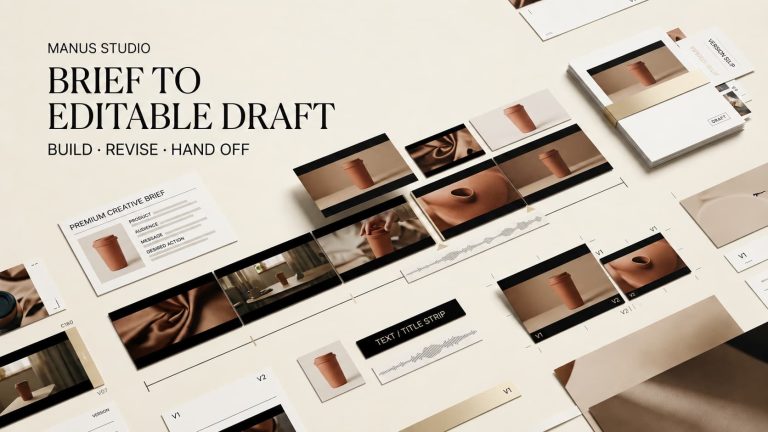
Check the download’s dimensions, orientation, visible marks, and audio. Give the editor the approved take, its source image, and the review note. Add captions, music, and the call to action in the edit. Mark where the lift begins and the logo holds so the cut does not depend on guesswork. Keep the original download rather than a platform-compressed copy.
Limits of an Early-Access Workflow
No comparable sample set was run for this article, so this Kling 4.0 Flash workflow establishes neither repeatable quality nor a reliable delivery time. Flash’s 720p ceiling also warrants an export check before a paid campaign; a preview may look fine while the cropped, captioned file does not. Review current membership benefits and commercial-use conditions, the rights for every input, and the destination platform’s rules. Do not upload private customer images or unlicensed music merely to test access. This is not legal advice. Do not promise a final client shot until those checks pass.
FAQ
Does Kling record the exact model version in downloaded file metadata?
The public material reviewed here does not establish this. Save the task details and inspect the downloaded file’s metadata; do not assume its model label survives export.
Can a failed early-access generation qualify for a credit refund?
The current credits policy provides for credits to return when generation fails, not when a completed render disappoints. Save the task ID and balance history if a reported failure is not credited.
Does an early-access output include a watermark?
No Flash-specific watermark rule was confirmed. Check a download under your actual plan before promising a clean client asset.
Can Flash projects move into the full Kling 4.0 release?
Project migration is unconfirmed. Keep prompts, references, settings, and exports outside the project so they remain available if the workflow changes.
What commercial-use terms apply during early access?
Paid membership terms permit commercial output use with exceptions. Recheck the terms and benefits active for your plan, along with source rights, branding permissions, and destination rules, before delivery.
Conclusion
The useful test is whether one authorized reference and one movement yield a shot an editor can place. If the logo or end frame will not hold, revise the brief or use another production method.